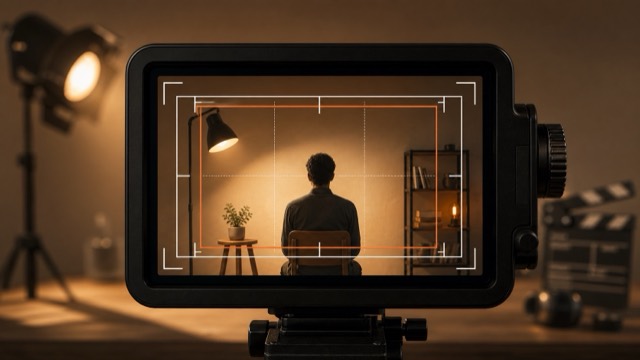
Composition Beginner Foundation
The visible image boundary and everything placed inside it.
Motion example
Watch the term in motion, then copy the prompt below.
cinematic frame of [subject], intentional composition, clean edges, natural light, [duration]
Why it matters
The frame decides what the viewer notices and what stays hidden.
Try this
Check the edges before recording and remove anything that weakens the idea.
⚠ Common mistakes
- Leaving distracting edges
- Cutting off key action
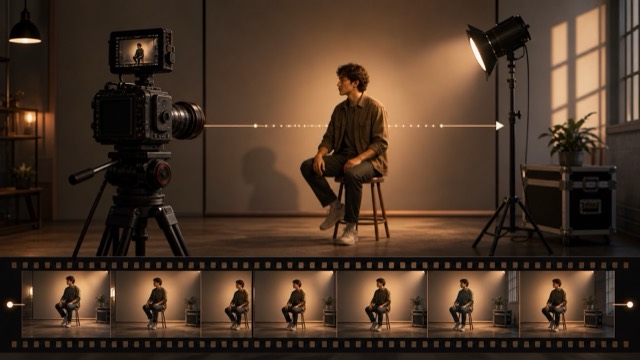
Shots Beginner Foundation
One continuous camera view used as a building block of a video.
Motion example
Watch the term in motion, then copy the prompt below.
cinematic shot of [subject], one clear action, natural light, [duration]
Why it matters
Shots are the smallest practical units you plan, shoot, generate, and edit.
Try this
Give each shot one clear subject and one main action.
⚠ Common mistakes
- Trying to show too many ideas
- Changing angle mid-prompt without purpose
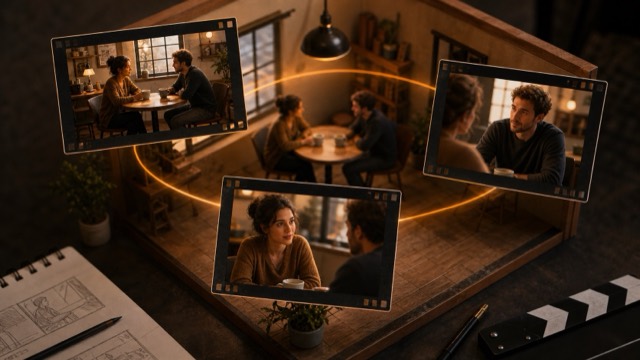
Editing Beginner Foundation
A story moment that usually happens in one place and time.
Motion example
Watch the term in motion, then copy the prompt below.
cinematic scene of [subject], clear location, one story beat, [duration]
Why it matters
Scenes help you group shots around a clear dramatic or informational purpose.
Try this
Decide the scene goal before choosing close-ups or details.
⚠ Common mistakes
- Mixing unrelated story beats
- Skipping the scene anchor
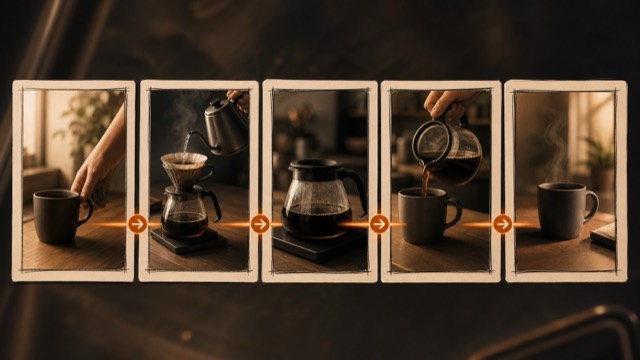
Editing Beginner Foundation
A planned order of shots that creates a complete mini-story.
Motion example
Watch the term in motion, then copy the prompt below.
cinematic sequence for [subject], ordered shots, clear visual progression, [duration]
Why it matters
A sequence turns separate clips into something viewers can follow.
Try this
Plan context, action, detail, emotion, and support before filming.
⚠ Common mistakes
- Collecting random clips
- No clear beginning or payoff
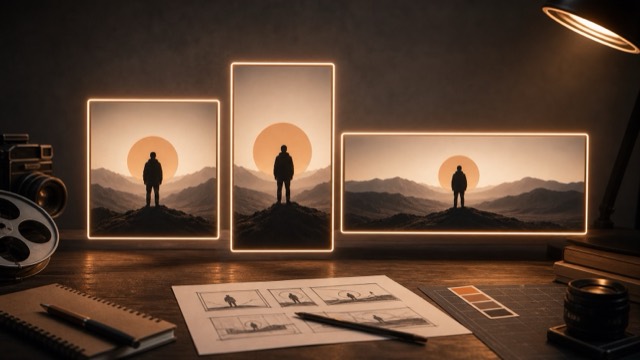
Composition Beginner Foundation
The shape of the frame, such as vertical 9:16 or widescreen 16:9.
Motion example
Watch the term in motion, then copy the prompt below.
cinematic [subject], composed for chosen aspect ratio, clean negative space, [duration]
Why it matters
The frame shape changes composition, platform fit, and where attention sits.
Try this
Choose the delivery format first, then compose for that shape.
⚠ Common mistakes
- Cropping important action
- Using one composition for every platform
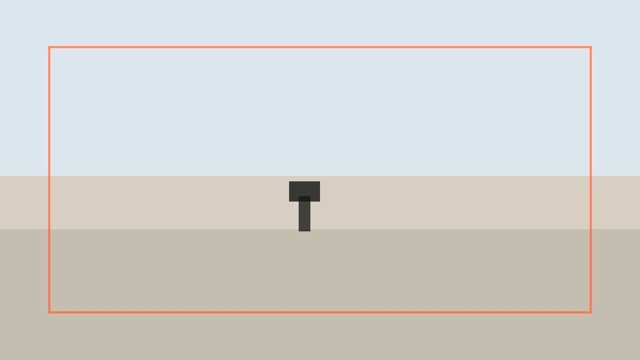
Shots Beginner Foundation
Un plano amplio que muestra dónde ocurre la historia.
Motion example
Watch the term in motion, then copy the prompt below.
wide establishing shot of [subject], clear location, cinematic natural light, [duration]
Why it matters
Da al espectador ubicación, ambiente, escala y contexto antes de que lleguen los detalles.
Try this
Step back, keep the horizon clean, and let the place read before action begins.
⚠ Common mistakes
- Starting too tight
- Showing a location with no story relevance
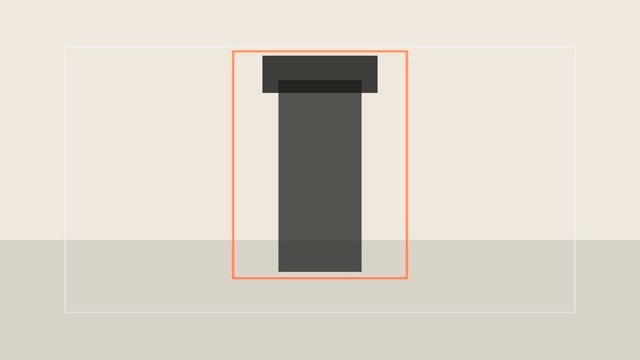
Shots Beginner Foundation
Encuadra al sujeto con abundante entorno alrededor.
Motion example
Watch the term in motion, then copy the prompt below.
cinematic wide shot of [subject], full environment visible, balanced composition, [duration]
Why it matters
Muestra el lenguaje corporal, el espacio y cómo el sujeto se relaciona con el mundo.
Try this
Back up enough to show the whole subject and meaningful surroundings.
⚠ Common mistakes
- Subject becomes too small
- Background is cluttered
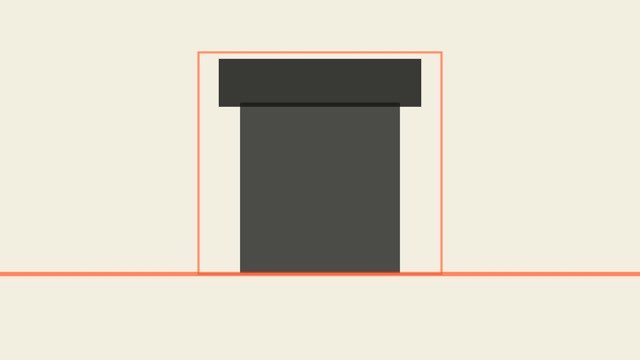
Shots Beginner Foundation
Frames a person or subject around the waist or torso.
Motion example
Watch the term in motion, then copy the prompt below.
cinematic medium shot of [subject], clear action, natural expression, [duration]
Why it matters
It balances expression, gesture, and action in one readable view.
Try this
Keep the subject at a comfortable distance and leave a little headroom.
⚠ Common mistakes
- Awkward crop at joints
- Too much empty headroom

Shots Beginner Foundation
Encuadra el rostro o un detalle importante para mostrar emoción.
Motion example
Watch the term in motion, then copy the prompt below.
cinematic close-up of [subject], shallow depth of field, soft light, emotional focus, [duration]
Why it matters
Dirige la atención hacia la emoción, la textura o un momento clave de la historia.
Try this
Move closer, simplify the background, and focus on the eyes or key detail.
⚠ Common mistakes
- Too much background distraction
- Prompt includes too many actions
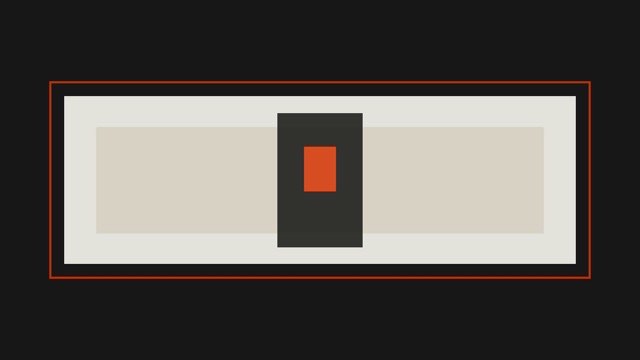
Shots Beginner Foundation
Frames a tiny detail such as an eye, hand, texture, or button.
Motion example
Watch the term in motion, then copy the prompt below.
extreme close-up of [subject], precise detail, shallow depth of field, cinematic texture, [duration]
Why it matters
It makes small details feel important and creates strong visual emphasis.
Try this
Use steady support, lock focus carefully, and avoid unnecessary movement.
⚠ Common mistakes
- Focus misses the detail
- Detail has no story purpose
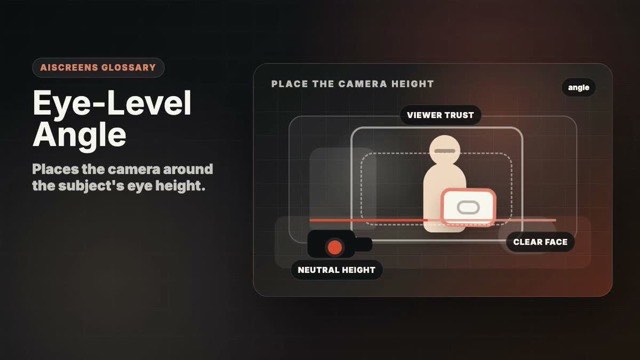
Angles Beginner Foundation
Places the camera around the subject's eye height.
Motion example
Watch the term in motion, then copy the prompt below.
eye-level cinematic shot of [subject], natural perspective, soft light, [duration]
Why it matters
It feels neutral, direct, and easy for beginners to understand.
Try this
Raise or lower the camera until the subject feels naturally met.
⚠ Common mistakes
- Camera slightly too high or low
- No intentional perspective choice
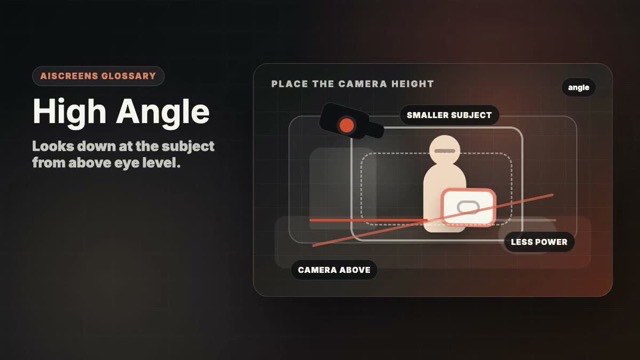
Angles Beginner Foundation
Looks down at the subject from above eye level.
Motion example
Watch the term in motion, then copy the prompt below.
cinematic high-angle shot of [subject], camera looking down, clear composition, [duration]
Why it matters
It can make a subject feel smaller, exposed, or easy to inspect.
Try this
Raise the camera enough to make the perspective obvious without flattening everything.
⚠ Common mistakes
- Angle too subtle
- Unflattering distortion without purpose
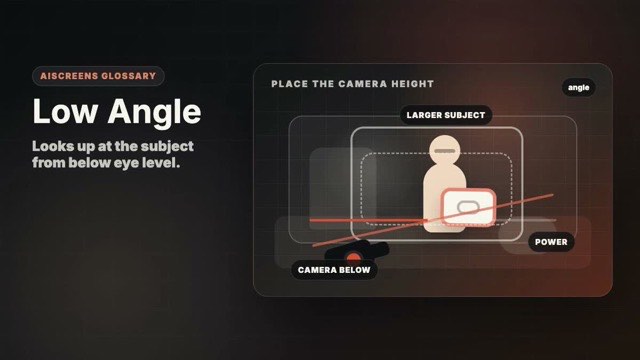
Angles Beginner Foundation
Looks up at the subject from below eye level.
Motion example
Watch the term in motion, then copy the prompt below.
cinematic low-angle shot of [subject], camera looking upward, dramatic presence, [duration]
Why it matters
It can make the subject feel powerful, heroic, dramatic, or imposing.
Try this
Lower the camera and watch for unwanted chin or ceiling distortion.
⚠ Common mistakes
- Too much ceiling
- Power effect used accidentally
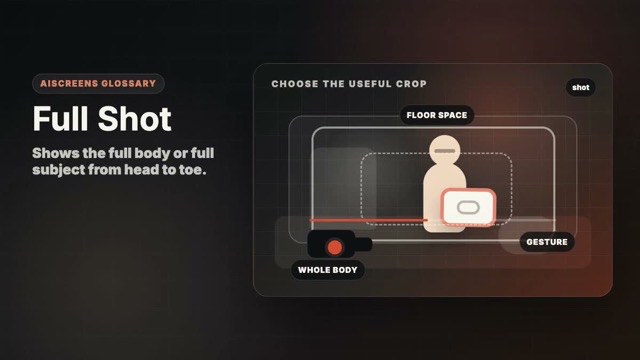
Shots Beginner Core Visual Grammar
Shows the full body or full subject from head to toe.
Motion example
Watch the term in motion, then copy the prompt below.
cinematic full shot of [subject], entire body visible, clear action, [duration]
Why it matters
It makes body language and physical action readable.
Try this
Leave space around the whole subject and avoid cutting at feet or head.
⚠ Common mistakes
- Cropping feet
- Leaving too much empty space
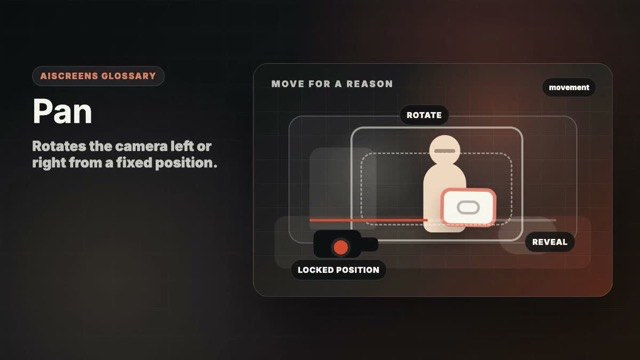
Movement Beginner Foundation
Rotates the camera left or right from a fixed position.
Motion example
Watch the term in motion, then copy the prompt below.
cinematic pan across [subject], smooth left-to-right camera rotation, [duration]
Why it matters
A pan reveals space or follows action without moving the camera base.
Try this
Move slowly, start and end with a short hold, and keep the horizon level.
⚠ Common mistakes
- Moving too fast
- No start or end composition
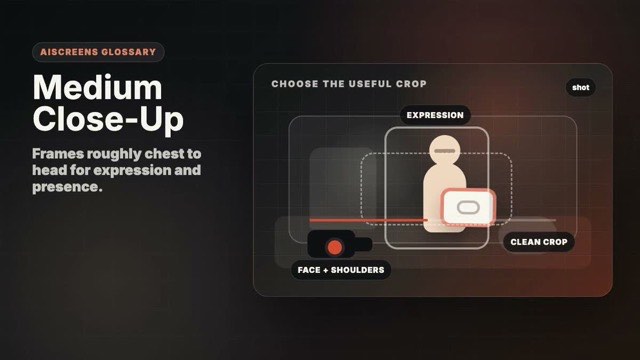
Shots Beginner Core Visual Grammar
Frames roughly chest to head for expression and presence.
Motion example
Watch the term in motion, then copy the prompt below.
cinematic medium close-up of [subject], expressive face, soft background, [duration]
Why it matters
It gives more intimacy than a medium shot without losing context.
Try this
Keep eyes sharp and leave comfortable headroom.
⚠ Common mistakes
- Awkward shoulder crop
- Background competes with face
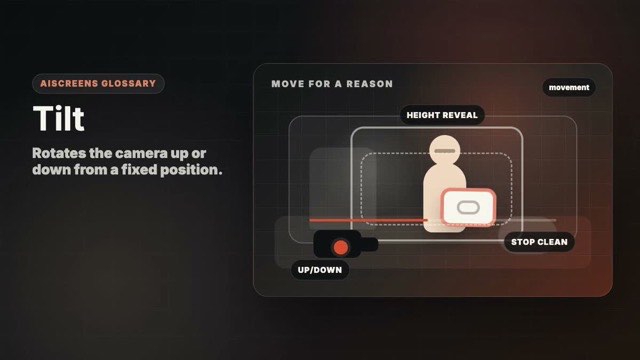
Movement Beginner Foundation
Rotates the camera up or down from a fixed position.
Motion example
Watch the term in motion, then copy the prompt below.
cinematic tilt shot of [subject], smooth vertical camera movement, [duration]
Why it matters
A tilt reveals height, scale, or vertical relationships.
Try this
Begin on a clean frame and tilt slowly enough for viewers to read the reveal.
⚠ Common mistakes
- Jerky vertical motion
- Ending on an unplanned frame
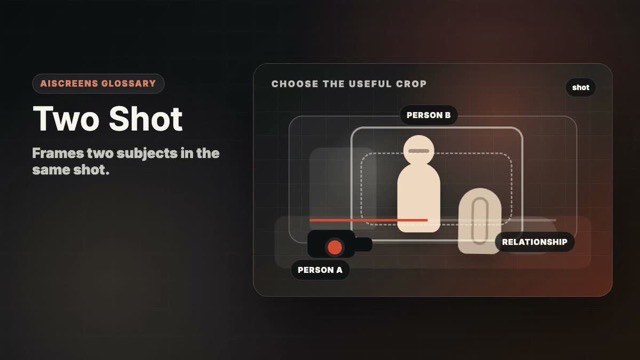
Shots Beginner Core Visual Grammar
Frames two subjects in the same shot.
Motion example
Watch the term in motion, then copy the prompt below.
cinematic two shot of [subject], two people sharing a clear action, natural light, [duration]
Why it matters
It shows relationship, distance, and shared action.
Try this
Balance both subjects and keep their eyelines and body language readable.
⚠ Common mistakes
- One subject dominates accidentally
- Eyelines feel unclear
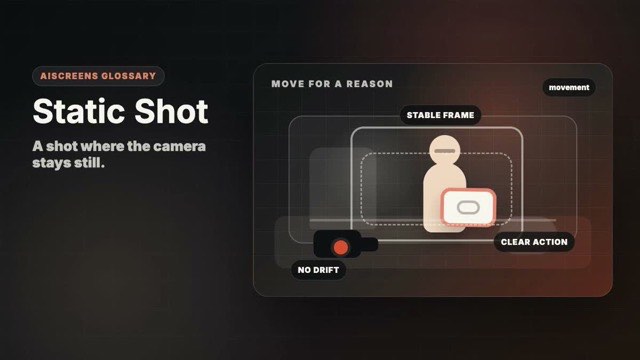
Movement Beginner Foundation
A shot where the camera stays still.
Motion example
Watch the term in motion, then copy the prompt below.
static cinematic shot of [subject], locked camera, one subtle action, [duration]
Why it matters
Stillness gives clarity and lets performance, design, or action carry the frame.
Try this
Use a tripod, table, wall, or steady hands and let the subject move instead.
⚠ Common mistakes
- Accidental shake
- No movement or visual change at all
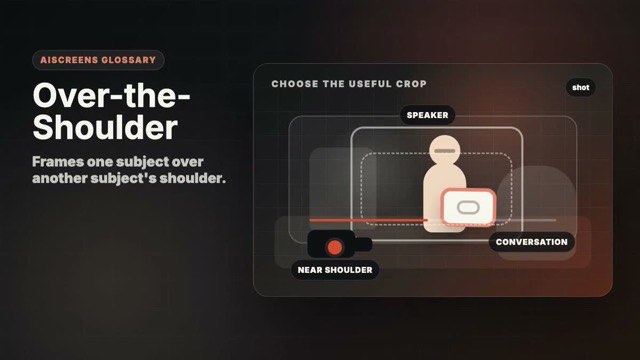
Shots Beginner Core Visual Grammar
Frames one subject over another subject's shoulder.
Motion example
Watch the term in motion, then copy the prompt below.
cinematic over-the-shoulder shot of [subject], dialogue perspective, shallow depth of field, [duration]
Why it matters
It gives dialogue perspective while keeping relationship context.
Try this
Keep the foreground shoulder soft and preserve consistent screen direction.
⚠ Common mistakes
- Crossing the 180-degree line
- Foreground shoulder blocks the subject
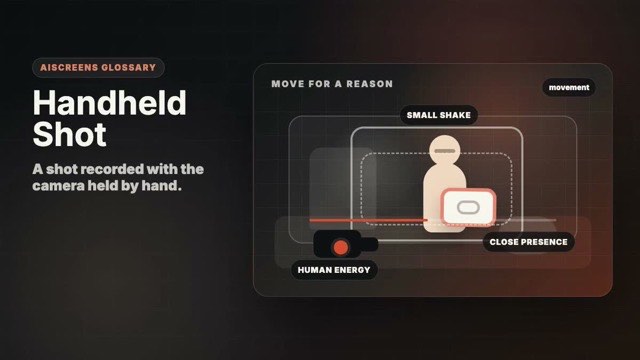
Movement Beginner Foundation
A shot recorded with the camera held by hand.
Motion example
Watch the term in motion, then copy the prompt below.
cinematic handheld shot of [subject], gentle natural camera sway, documentary realism, [duration]
Why it matters
It can feel intimate, immediate, documentary, or energetic.
Try this
Brace your elbows, move with your body, and keep shake intentional.
⚠ Common mistakes
- Uncontrolled shake
- Using handheld when the scene needs calm
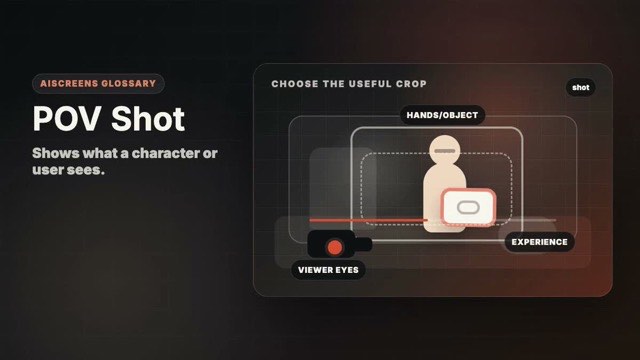
Shots Beginner Core Visual Grammar
Shows what a character or user sees.
Motion example
Watch the term in motion, then copy the prompt below.
cinematic POV shot of [subject], viewer perspective, natural hand or head movement, [duration]
Why it matters
It makes the viewer feel inside the action.
Try this
Place the camera where the eyes or hands would naturally be.
⚠ Common mistakes
- Perspective does not match a real viewpoint
- Too much camera shake
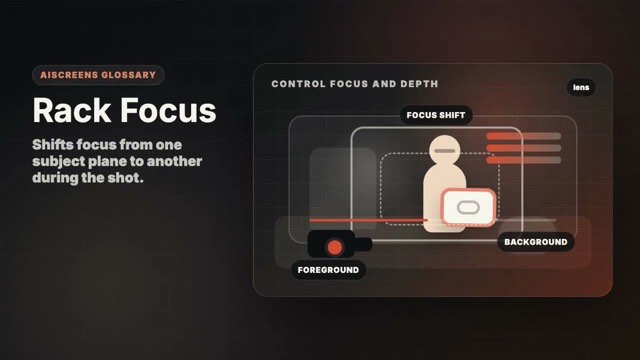
Lens / Optics Beginner Foundation
Shifts focus from one subject plane to another during the shot.
Motion example
Watch the term in motion, then copy the prompt below.
cinematic rack focus from foreground to [subject], shallow depth of field, [duration]
Why it matters
It guides attention without cutting.
Try this
Set two focus marks and rehearse the shift before recording.
⚠ Common mistakes
- Focus lands on the wrong object
- Too many focus changes
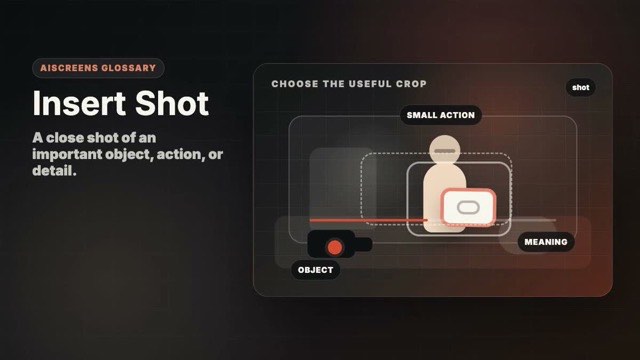
Shots Beginner Core Visual Grammar
A close shot of an important object, action, or detail.
Motion example
Watch the term in motion, then copy the prompt below.
cinematic insert shot of [subject], important detail in focus, soft light, [duration]
Why it matters
It gives the editor useful detail and makes story information clear.
Try this
Shoot the detail cleanly with steady focus and a simple background.
⚠ Common mistakes
- Detail is not important
- Shot is too shaky to cut in
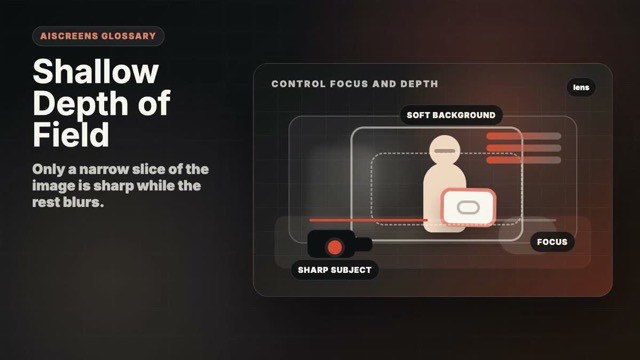
Lens / Optics Beginner Foundation
Only a narrow slice of the image is sharp while the rest blurs.
Motion example
Watch the term in motion, then copy the prompt below.
cinematic [subject], shallow depth of field, blurred background, soft light, [duration]
Why it matters
It separates the subject and creates a polished cinematic look.
Try this
Use portrait mode, a wider aperture, longer lens, or more distance from the background.
⚠ Common mistakes
- Important subject is out of focus
- Blur used without story purpose
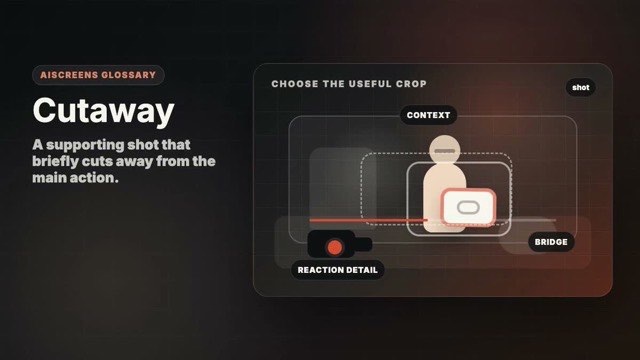
Shots Beginner Core Visual Grammar
A supporting shot that briefly cuts away from the main action.
Motion example
Watch the term in motion, then copy the prompt below.
cinematic cutaway shot for [subject], relevant environmental detail, clean composition, [duration]
Why it matters
It adds context and helps hide edits or time jumps.
Try this
Capture objects, reactions, or environment details connected to the scene.
⚠ Common mistakes
- Cutaway has no relationship to the scene
- Cutaway is too short
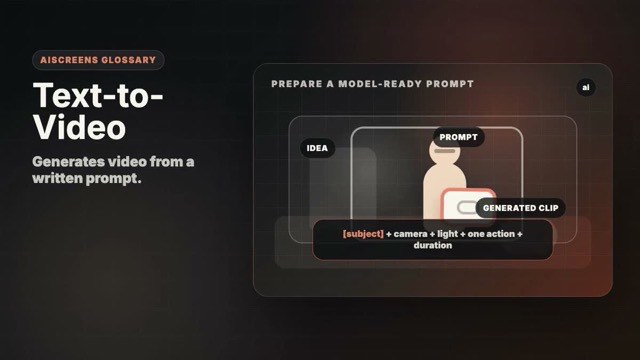
AI Workflow Beginner AI-Native Workflow
Generates video from a written prompt.
Motion example
Watch the term in motion, then copy the prompt below.
text-to-video prompt: cinematic shot of [subject], one action, clear camera direction, [duration]
Why it matters
It is fast for ideation but needs clear shot language to stay controlled.
Try this
Write prompts like shot direction: one subject, one action, one camera idea.
⚠ Common mistakes
- Keyword stuffing
- Too many actions in one clip
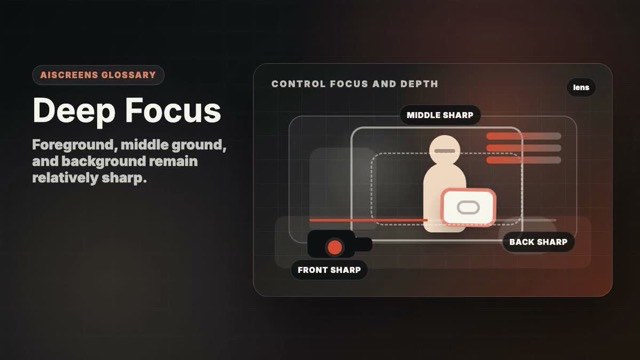
Lens / Optics Beginner Foundation
Foreground, middle ground, and background remain relatively sharp.
Motion example
Watch the term in motion, then copy the prompt below.
cinematic deep focus shot of [subject], foreground and background sharp, layered composition, [duration]
Why it matters
It lets viewers explore layered action and environment.
Try this
Use more light, a smaller aperture, and clear layers in the frame.
⚠ Common mistakes
- Frame becomes visually crowded
- No clear priority in the layers
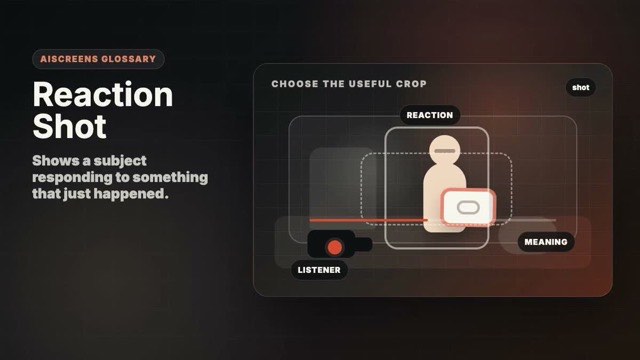
Shots Beginner Core Visual Grammar
Shows a subject responding to something that just happened.
Motion example
Watch the term in motion, then copy the prompt below.
cinematic reaction shot of [subject], subtle emotional response, soft light, [duration]
Why it matters
Reactions tell the viewer how to feel about an event.
Try this
Hold long enough after the action so the reaction has time to land.
⚠ Common mistakes
- Cutting away before the emotion lands
- Overacting in the prompt
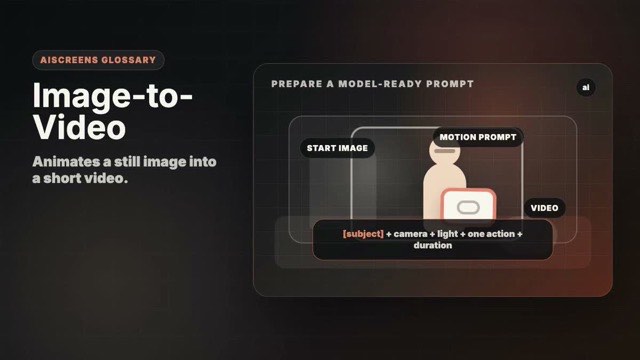
AI Workflow Beginner AI-Native Workflow
Animates a still image into a short video.
Motion example
Watch the term in motion, then copy the prompt below.
image-to-video prompt for [subject], preserve composition and lighting, animate one subtle motion, [duration]
Why it matters
A reference image can lock composition, subject, lighting, and style.
Try this
Use a strong still frame and describe only the motion that should happen.
⚠ Common mistakes
- Re-describing the whole image
- Adding objects not in the reference
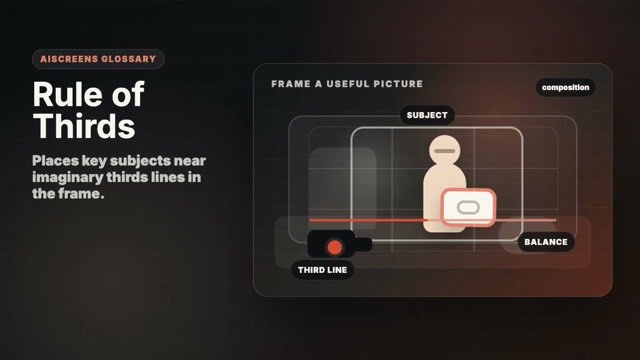
Composition Beginner Foundation
Places key subjects near imaginary thirds lines in the frame.
Motion example
Watch the term in motion, then copy the prompt below.
cinematic [subject], rule of thirds composition, balanced negative space, [duration]
Why it matters
It creates quick balance and avoids lifeless centering.
Try this
Turn on grid lines and place eyes, horizon, or key detail near a thirds line.
⚠ Common mistakes
- Treating the grid as a law
- Ignoring the story focus
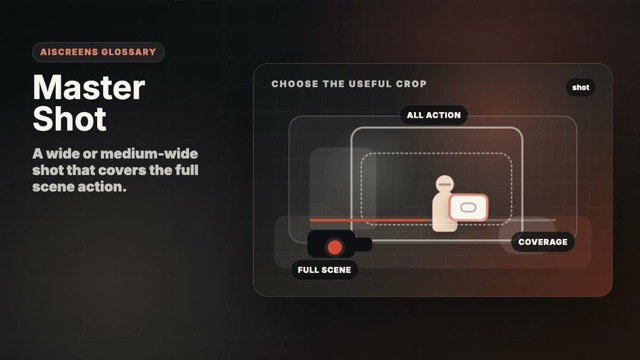
Shots Intermediate Core Visual Grammar
A wide or medium-wide shot that covers the full scene action.
Motion example
Watch the term in motion, then copy the prompt below.
cinematic master shot of [subject], full scene action visible, clear blocking, [duration]
Why it matters
It gives the edit a reliable anchor for geography and continuity.
Try this
Record the whole action once before shooting tighter coverage.
⚠ Common mistakes
- Skipping the anchor shot
- Framing too tight to understand the scene
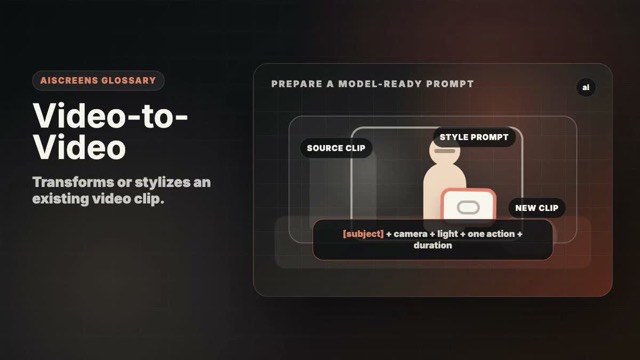
AI Workflow Intermediate AI-Native Workflow
Transforms or stylizes an existing video clip.
Motion example
Watch the term in motion, then copy the prompt below.
video-to-video prompt for [subject], preserve motion and composition, refine style, [duration]
Why it matters
It can preserve motion while changing style or polish.
Try this
Start with a clean clip because weak motion or composition usually carries through.
⚠ Common mistakes
- Expecting AI to fix bad coverage
- Changing too many style variables
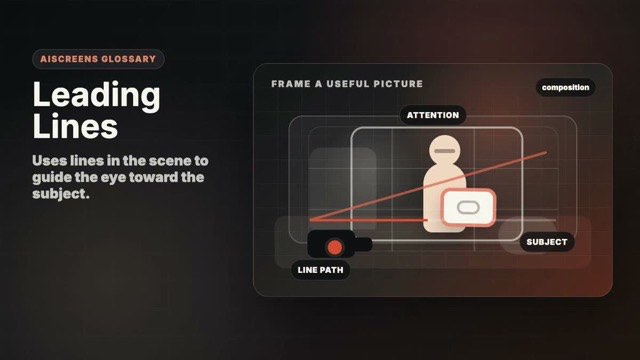
Composition Beginner Foundation
Uses lines in the scene to guide the eye toward the subject.
Motion example
Watch the term in motion, then copy the prompt below.
cinematic [subject], strong leading lines guiding attention, natural light, [duration]
Why it matters
It makes the frame easier to read and adds depth.
Try this
Position the camera so natural lines point toward the important subject.
⚠ Common mistakes
- Lines lead away from the subject
- Frame feels too busy
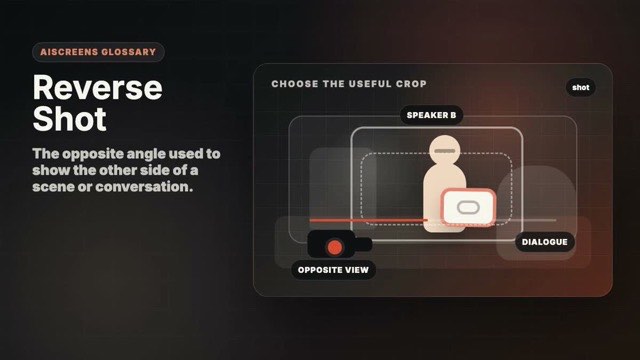
Shots Intermediate Core Visual Grammar
The opposite angle used to show the other side of a scene or conversation.
Motion example
Watch the term in motion, then copy the prompt below.
cinematic reverse shot of [subject], matching eyeline and lighting, dialogue coverage, [duration]
Why it matters
It completes coverage and helps viewers follow who is speaking or reacting.
Try this
Match height, lens feel, and eyeline with the first angle.
⚠ Common mistakes
- Lighting does not match
- Screen direction flips accidentally
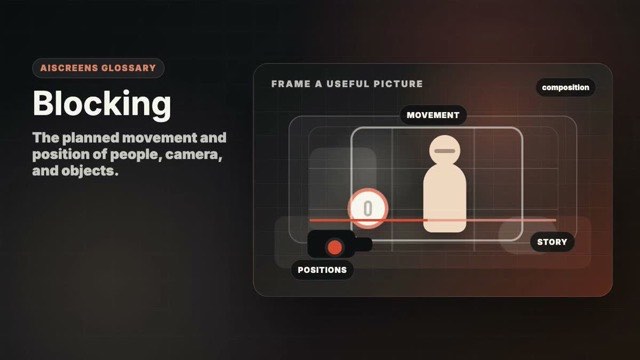
Composition Intermediate Coverage and Edit Logic
The planned movement and position of people, camera, and objects.
Motion example
Watch the term in motion, then copy the prompt below.
cinematic [subject] with clear blocking, simple subject movement, readable space, [duration]
Why it matters
Blocking makes action understandable before the edit adds polish.
Try this
Walk through the action once and choose positions that read clearly on camera.
⚠ Common mistakes
- Actors block each other
- Camera cannot see the important action
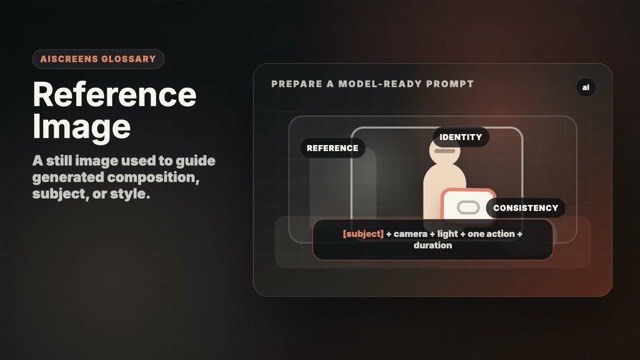
AI Workflow Beginner AI-Native Workflow
A still image used to guide generated composition, subject, or style.
Motion example
Watch the term in motion, then copy the prompt below.
use the reference image for [subject], preserve composition, lighting, and style, animate one action, [duration]
Why it matters
It improves consistency and reduces prompt drift.
Try this
Choose a clean, rights-safe image with the subject clearly visible.
⚠ Common mistakes
- Reference image is cluttered
- No rights to use the image
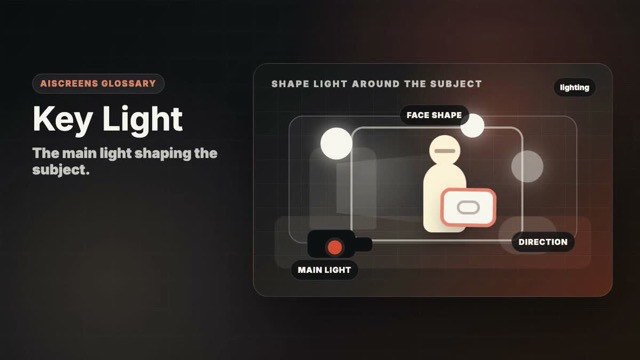
Lighting Beginner Foundation
The main light shaping the subject.
Motion example
Watch the term in motion, then copy the prompt below.
cinematic [subject], soft key light from one side, gentle shadow shape, [duration]
Why it matters
It defines mood, clarity, and the direction of the image.
Try this
Start with one main light or window and move it until the face or object has shape.
⚠ Common mistakes
- Flat front lighting
- Mixed light directions
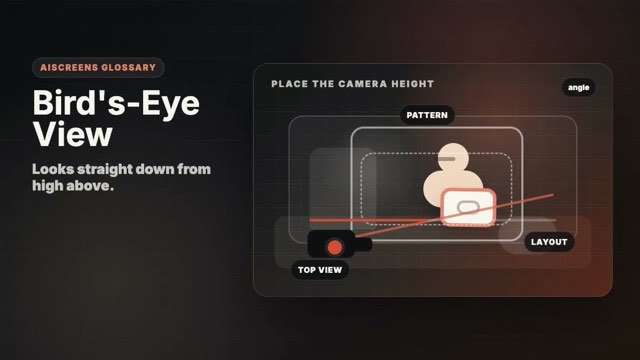
Angles Intermediate Core Visual Grammar
Looks straight down from high above.
Motion example
Watch the term in motion, then copy the prompt below.
bird's-eye view of [subject], camera looking straight down, graphic composition, [duration]
Why it matters
It turns a scene into a pattern, map, or striking overview.
Try this
Shoot from directly above and keep lines squared if the graphic look matters.
⚠ Common mistakes
- Not high enough to read as overhead
- Flat image with no subject priority
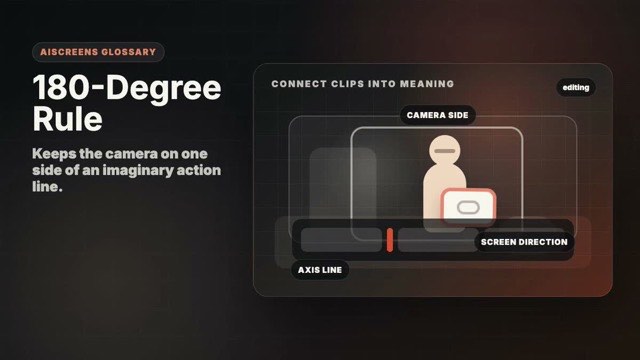
Editing Intermediate Coverage and Edit Logic
Keeps the camera on one side of an imaginary action line.
Motion example
Watch the term in motion, then copy the prompt below.
continuity-safe dialogue shot of [subject], respects 180-degree rule and matching eyelines, [duration]
Why it matters
It preserves screen direction so viewers know where everyone is.
Try this
Pick the line between subjects or action and stay on one side unless motivated.
⚠ Common mistakes
- Crossing the line accidentally
- Eyelines reverse between cuts
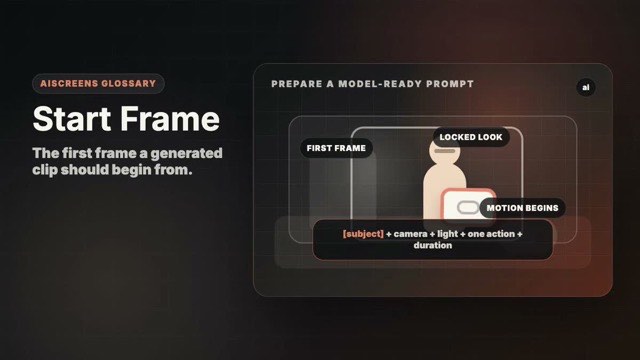
AI Workflow Intermediate AI-Native Workflow
The first frame a generated clip should begin from.
Motion example
Watch the term in motion, then copy the prompt below.
start frame locked for [subject], preserve opening composition, animate one motion, [duration]
Why it matters
It anchors composition and makes clip starts predictable.
Try this
Design the first frame like a real shot, with the subject and light already clear.
⚠ Common mistakes
- Start frame lacks clear subject
- Prompt asks for a different composition
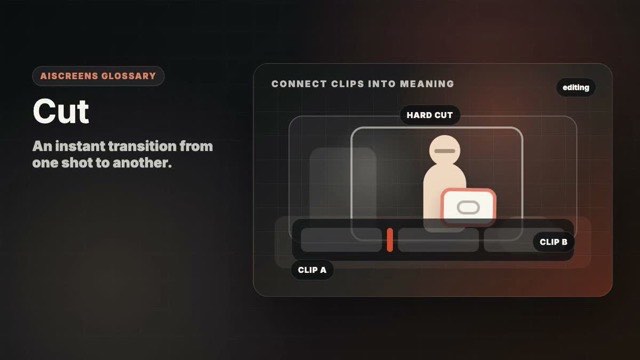
Editing Beginner Foundation
An instant transition from one shot to another.
Motion example
Watch the term in motion, then copy the prompt below.
clean hard cut sequence for [subject], clear before-and-after shot contrast, [duration]
Why it matters
Cuts control rhythm, meaning, and what information arrives next.
Try this
Shoot clean starts and endings so cuts have breathing room.
⚠ Common mistakes
- Cutting before the action reads
- Using transitions to hide weak shots
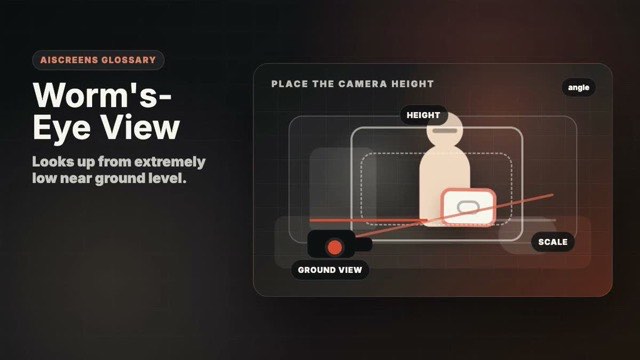
Angles Intermediate Core Visual Grammar
Looks up from extremely low near ground level.
Motion example
Watch the term in motion, then copy the prompt below.
worm's-eye view of [subject], camera near the ground looking up, dramatic scale, [duration]
Why it matters
It exaggerates height and makes ordinary subjects feel monumental.
Try this
Get the camera very low and watch for distortion that distracts.
⚠ Common mistakes
- Angle feels accidental
- Foreground blocks the subject
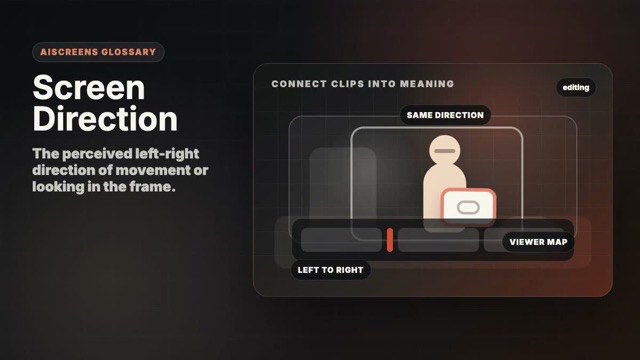
Editing Intermediate Coverage and Edit Logic
The perceived left-right direction of movement or looking in the frame.
Motion example
Watch the term in motion, then copy the prompt below.
cinematic [subject], consistent screen direction, clear left-to-right movement, [duration]
Why it matters
Consistent direction makes action easy to follow across cuts.
Try this
Keep subjects moving or looking the same way unless the story intentionally changes it.
⚠ Common mistakes
- Direction flips between shots
- Viewer loses geography
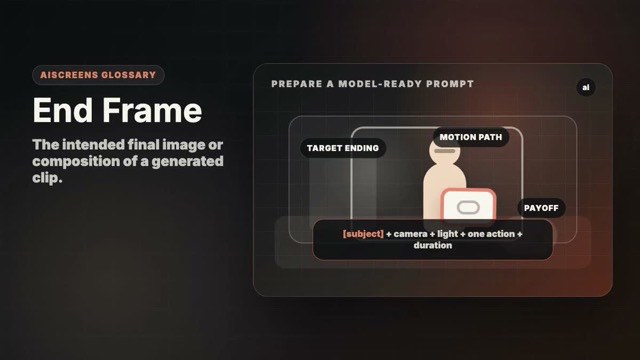
AI Workflow Intermediate AI-Native Workflow
The intended final image or composition of a generated clip.
Motion example
Watch the term in motion, then copy the prompt below.
end frame target for [subject], finish on a clean composed hold, [duration]
Why it matters
It gives motion a destination and can improve transitions.
Try this
Make the final frame readable and avoid too many changes from the start frame.
⚠ Common mistakes
- End frame is too different
- No final hold for editing
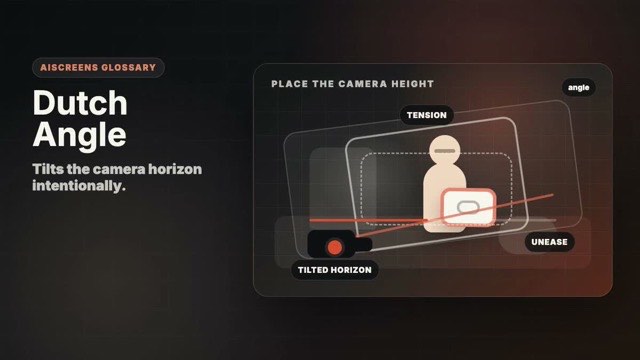
Angles Intermediate Core Visual Grammar
Tilts the camera horizon intentionally.
Motion example
Watch the term in motion, then copy the prompt below.
cinematic dutch angle shot of [subject], tilted horizon, tense stylized mood, [duration]
Why it matters
It creates unease, imbalance, or stylized energy.
Try this
Commit to the tilt and use it only when the mood benefits.
⚠ Common mistakes
- Accidental crooked horizon
- Overusing the effect
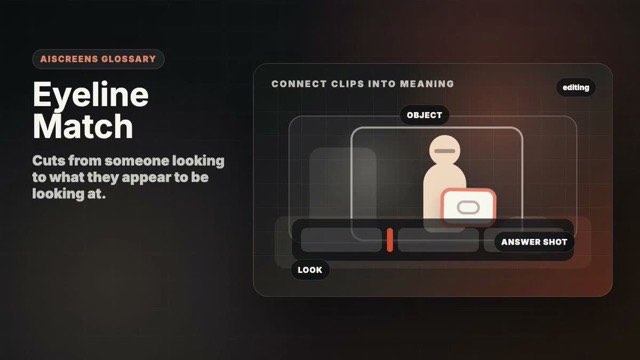
Editing Intermediate Coverage and Edit Logic
Cuts from someone looking to what they appear to be looking at.
Motion example
Watch the term in motion, then copy the prompt below.
cinematic eyeline match for [subject], subject looks then cut to matching object, [duration]
Why it matters
It links attention, emotion, and story information.
Try this
Match the direction and height of the look with the object or person seen next.
⚠ Common mistakes
- Look direction does not match
- Cutaway is unrelated
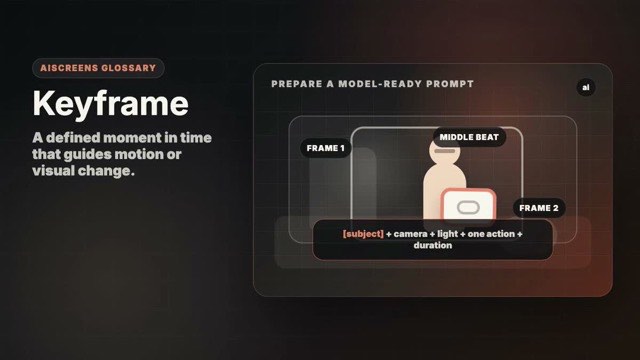
AI Workflow Advanced AI-Native Workflow
A defined moment in time that guides motion or visual change.
Motion example
Watch the term in motion, then copy the prompt below.
keyframed motion for [subject], clear start and end positions, one smooth action, [duration]
Why it matters
Keyframes help control timing instead of leaving motion vague.
Try this
Think in start, middle, and end positions before asking for motion.
⚠ Common mistakes
- Too many keyframes
- Motion path is unclear
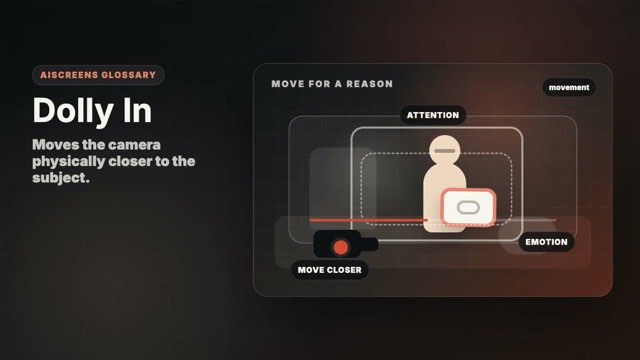
Movement Beginner Core Visual Grammar
Moves the camera physically closer to the subject.
Motion example
Watch the term in motion, then copy the prompt below.
cinematic dolly in toward [subject], slow smooth camera move, emotional focus, [duration]
Why it matters
It adds intention, pressure, or emotional focus.
Try this
Move smoothly toward the subject and keep the final frame composed.
⚠ Common mistakes
- Move feels like digital zoom
- Ending frame is unplanned
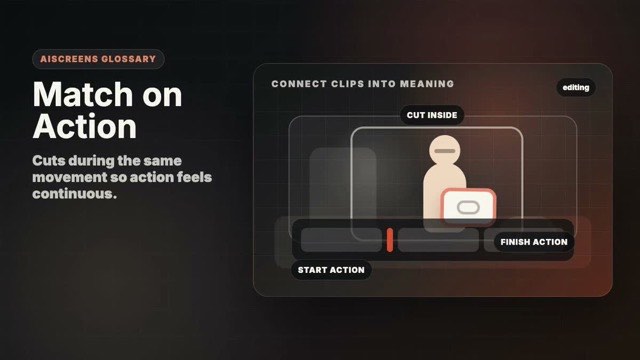
Editing Intermediate Coverage and Edit Logic
Cuts during the same movement so action feels continuous.
Motion example
Watch the term in motion, then copy the prompt below.
match on action sequence for [subject], same movement continues across two shots, [duration]
Why it matters
It hides the cut and makes coverage feel fluid.
Try this
Repeat the same action from multiple angles and cut at the strongest motion point.
⚠ Common mistakes
- Action timing does not match
- Cut happens too late
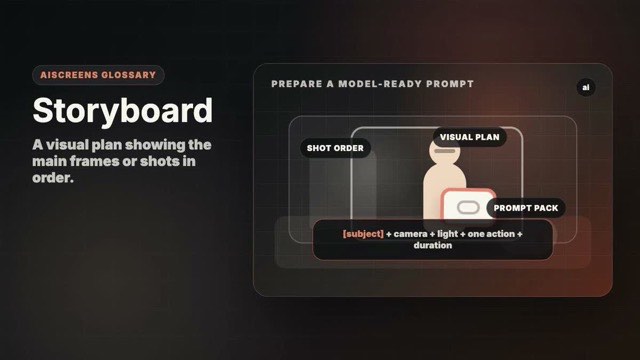
AI Workflow Beginner AI-Native Workflow
A visual plan showing the main frames or shots in order.
Motion example
Watch the term in motion, then copy the prompt below.
storyboarded sequence for [subject], clear ordered shots, consistent style, [duration]
Why it matters
It keeps a sequence coherent before shooting or generating.
Try this
Sketch simple frames for shot size, angle, and action; polish is less important than clarity.
⚠ Common mistakes
- Skipping shot order
- Frames do not share a visual language
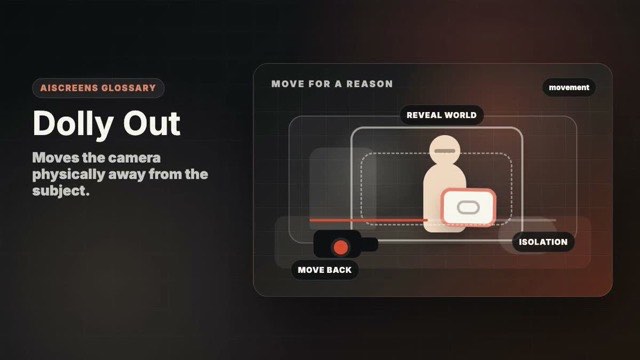
Movement Beginner Core Visual Grammar
Moves the camera physically away from the subject.
Motion example
Watch the term in motion, then copy the prompt below.
cinematic dolly out from [subject], smooth camera retreat revealing environment, [duration]
Why it matters
It can reveal context, isolation, or a wider story world.
Try this
Begin close, move backward smoothly, and protect focus.
⚠ Common mistakes
- Backward move is shaky
- Reveal adds no new information
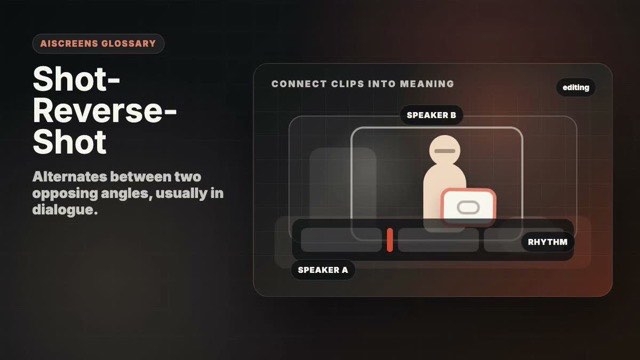
Editing Intermediate Coverage and Edit Logic
Alternates between two opposing angles, usually in dialogue.
Motion example
Watch the term in motion, then copy the prompt below.
shot-reverse-shot dialogue sequence for [subject], matching eyelines, clean coverage, [duration]
Why it matters
It creates clean conversational rhythm and readable reactions.
Try this
Shoot matching angles for both sides and keep eyelines consistent.
⚠ Common mistakes
- Angles do not match
- No reaction beat
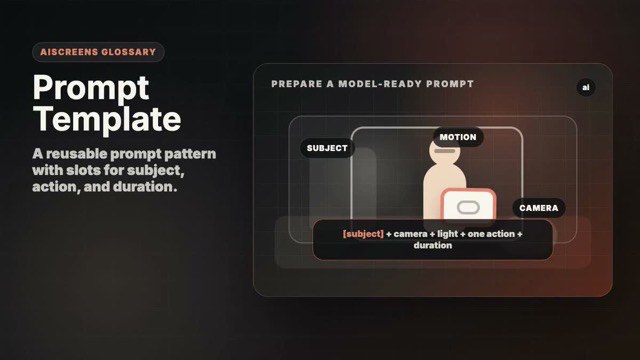
AI Workflow Beginner AI-Native Workflow
A reusable prompt pattern with slots for subject, action, and duration.
Motion example
Watch the term in motion, then copy the prompt below.
prompt template for [subject]: [shot type], one action, camera motion, lighting, [duration]
Why it matters
Templates make prompts faster, clearer, and easier to improve.
Try this
Use templates like shot lists: specific enough to guide, flexible enough to reuse.
⚠ Common mistakes
- Template is too vague
- Template has too many optional ideas
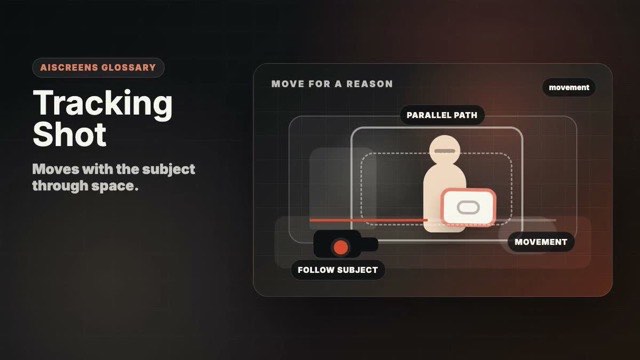
Movement Beginner Core Visual Grammar
Moves with the subject through space.
Motion example
Watch the term in motion, then copy the prompt below.
cinematic tracking shot following [subject], smooth movement through environment, [duration]
Why it matters
It keeps action continuous and immersive.
Try this
Match the subject's speed and leave room in the direction of travel.
⚠ Common mistakes
- Subject drifts out of frame
- Background motion distracts
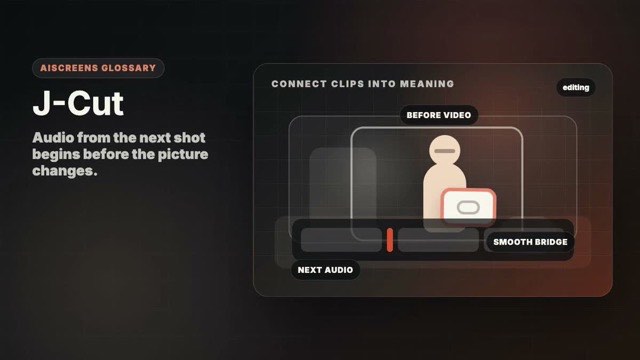
Editing Intermediate Coverage and Edit Logic
Audio from the next shot begins before the picture changes.
Motion example
Watch the term in motion, then copy the prompt below.
cinematic J-cut sequence for [subject], next audio begins before picture change, [duration]
Why it matters
It smooths transitions and pulls viewers into the next moment.
Try this
Record clean audio handles so sound can lead the picture.
⚠ Common mistakes
- Audio lead feels confusing
- No clean ambient sound
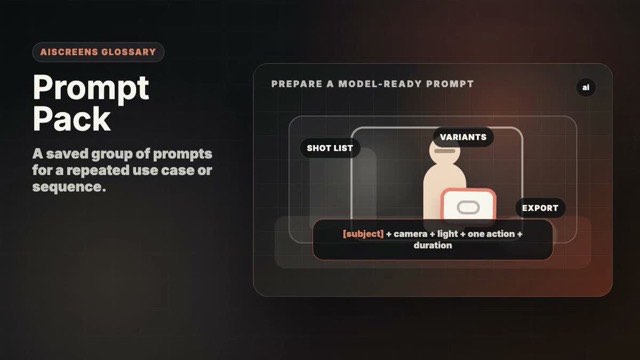
AI Workflow Beginner AI-Native Workflow
A saved group of prompts for a repeated use case or sequence.
Motion example
Watch the term in motion, then copy the prompt below.
prompt pack for [subject], ordered shot prompts with consistent style and duration, [duration]
Why it matters
Packs help creators reuse a visual language across projects.
Try this
Group prompts by story purpose, not just by visual style.
⚠ Common mistakes
- Prompts are unrelated
- Style changes clip to clip
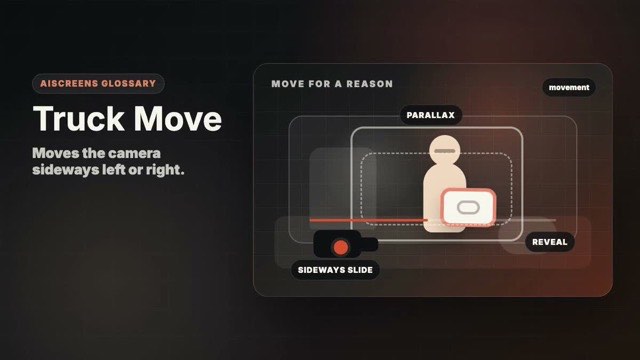
Movement Intermediate Core Visual Grammar
Moves the camera sideways left or right.
Motion example
Watch the term in motion, then copy the prompt below.
cinematic truck move past [subject], sideways camera motion, layered parallax, [duration]
Why it matters
It reveals layers and follows lateral action.
Try this
Move parallel to the subject and keep the distance consistent.
⚠ Common mistakes
- Uneven speed
- Subject distance changes accidentally
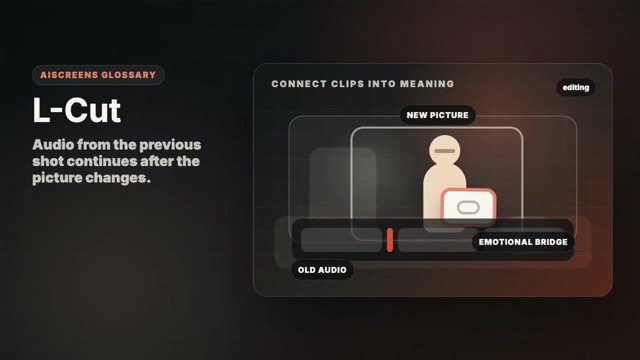
Editing Intermediate Coverage and Edit Logic
Audio from the previous shot continues after the picture changes.
Motion example
Watch the term in motion, then copy the prompt below.
cinematic L-cut sequence for [subject], previous audio continues over next image, [duration]
Why it matters
It lets emotion or narration carry across a cut.
Try this
Keep room tone and dialogue tails clean for smoother overlaps.
⚠ Common mistakes
- Audio overlap is too long
- Sound does not match the new image
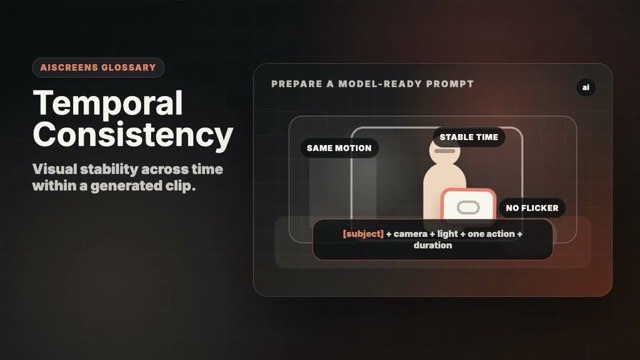
AI Workflow Intermediate AI-Native Workflow
Visual stability across time within a generated clip.
Motion example
Watch the term in motion, then copy the prompt below.
cinematic [subject], temporal consistency, stable identity and lighting, one action, [duration]
Why it matters
It prevents flicker, morphing, and unstable motion.
Try this
Ask for one action and avoid changing the subject, camera, and style at once.
⚠ Common mistakes
- Too many moving parts
- Long prompt fights the reference image
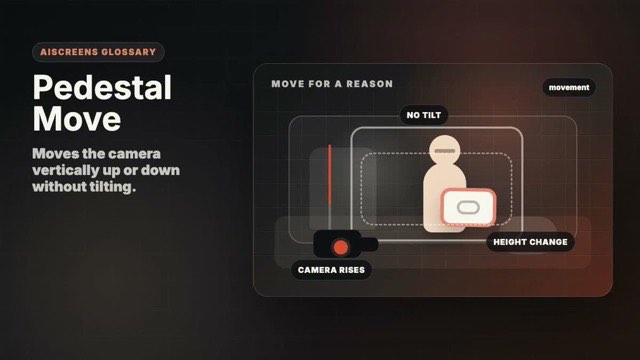
Movement Intermediate Core Visual Grammar
Moves the camera vertically up or down without tilting.
Motion example
Watch the term in motion, then copy the prompt below.
cinematic pedestal move on [subject], camera rises vertically, level lens, [duration]
Why it matters
It changes height while keeping perspective controlled.
Try this
Lift or lower the camera smoothly while keeping the lens angle level.
⚠ Common mistakes
- Tilting instead of moving vertically
- Uneven lift
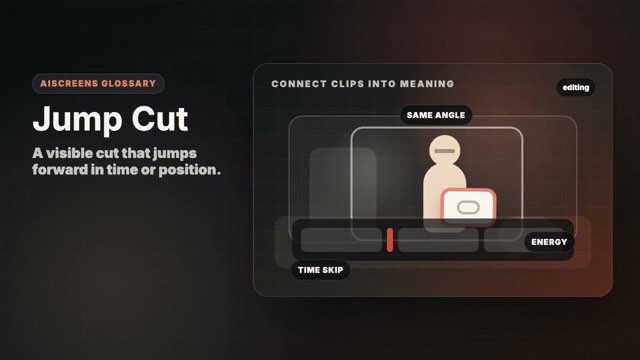
Editing Beginner Coverage and Edit Logic
A visible cut that jumps forward in time or position.
Motion example
Watch the term in motion, then copy the prompt below.
stylized jump cut sequence for [subject], quick time compression, clean rhythm, [duration]
Why it matters
It can create speed, comedy, or a direct creator-video rhythm.
Try this
Use jump cuts intentionally and keep the subject position stable if clarity matters.
⚠ Common mistakes
- Accidental continuity error
- Too many cuts make it tiring
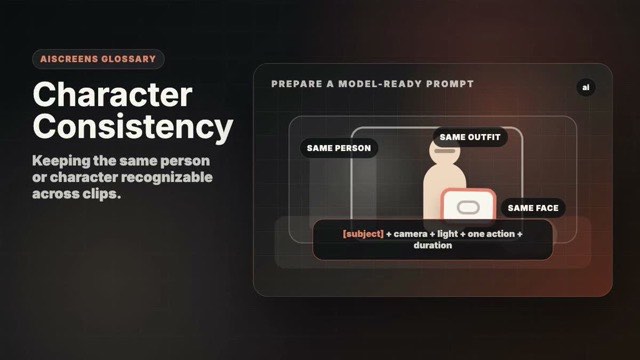
AI Workflow Intermediate AI-Native Workflow
Keeping the same person or character recognizable across clips.
Motion example
Watch the term in motion, then copy the prompt below.
cinematic [subject], consistent character identity, same wardrobe and features, one action, [duration]
Why it matters
It is essential for scenes, series, and story continuity.
Try this
Use reference images, consistent wardrobe, and simple camera changes.
⚠ Common mistakes
- Changing wardrobe or lighting every clip
- No reference anchor
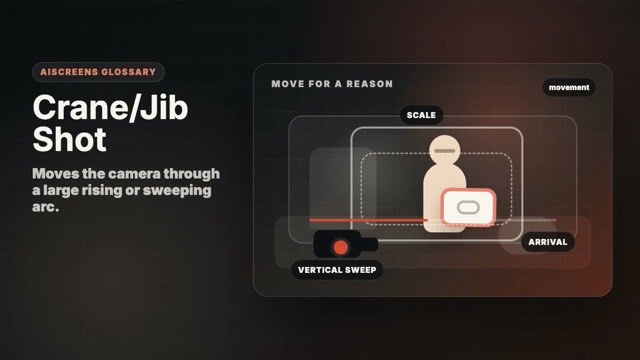
Movement Intermediate Core Visual Grammar
Moves the camera through a large rising or sweeping arc.
Motion example
Watch the term in motion, then copy the prompt below.
cinematic crane shot over [subject], sweeping camera rise, epic scale, [duration]
Why it matters
It adds scale, elegance, and production value.
Try this
Use the move to reveal meaningful space, not just to look expensive.
⚠ Common mistakes
- Move is too complex for the scene
- Subject gets lost
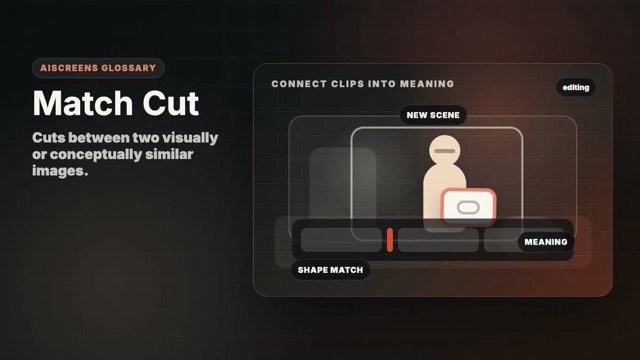
Editing Intermediate Coverage and Edit Logic
Cuts between two visually or conceptually similar images.
Motion example
Watch the term in motion, then copy the prompt below.
cinematic match cut for [subject], similar shape and motion across two shots, [duration]
Why it matters
It creates elegant transitions and meaning through comparison.
Try this
Match shape, motion, or screen position between the two shots.
⚠ Common mistakes
- Images do not match strongly enough
- Transition calls attention to itself
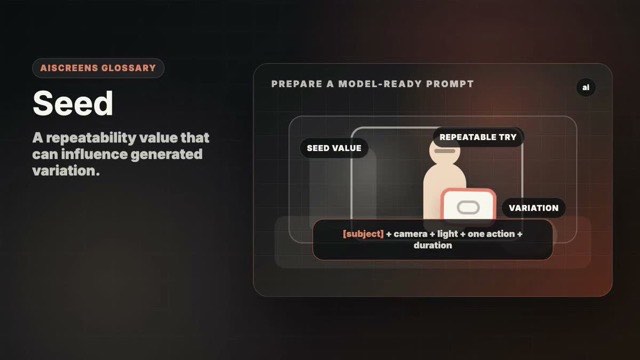
AI Workflow Advanced AI-Native Workflow
A repeatability value that can influence generated variation.
Motion example
Watch the term in motion, then copy the prompt below.
cinematic [subject], controlled seed variation, same composition and style, [duration]
Why it matters
Seeds can help reproduce or explore related outputs when supported.
Try this
Save seed, prompt, model, and reference data together for repeatability.
⚠ Common mistakes
- Assuming seed guarantees identical video
- Not saving model version
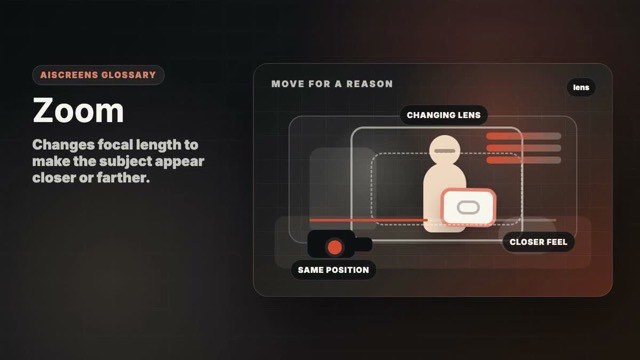
Movement Beginner Core Visual Grammar
Changes focal length to make the subject appear closer or farther.
Motion example
Watch the term in motion, then copy the prompt below.
cinematic zoom on [subject], smooth focal length change, intentional emphasis, [duration]
Why it matters
It changes framing without physically moving the camera.
Try this
Zoom deliberately and avoid treating it as a replacement for composition.
⚠ Common mistakes
- Digital zoom looks cheap
- Zoom has no emotional reason
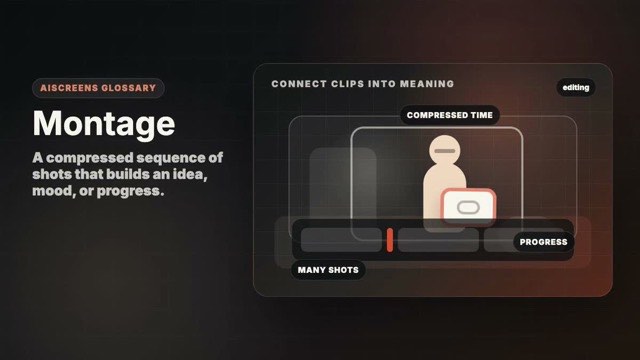
Editing Beginner Coverage and Edit Logic
A compressed sequence of shots that builds an idea, mood, or progress.
Motion example
Watch the term in motion, then copy the prompt below.
cinematic montage of [subject], varied shot sizes, rhythmic visual progression, [duration]
Why it matters
It turns many small moments into a fast, memorable story.
Try this
Shoot varied scales: wide, medium, detail, movement, and reaction.
⚠ Common mistakes
- Random pretty clips
- No visual progression
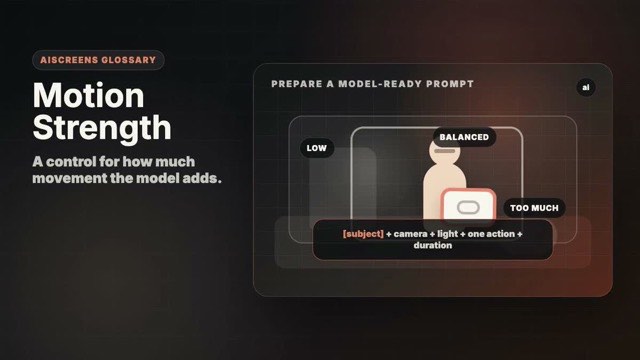
AI Workflow Intermediate AI-Native Workflow
A control for how much movement the model adds.
Motion example
Watch the term in motion, then copy the prompt below.
cinematic [subject], low motion strength, subtle natural movement, stable details, [duration]
Why it matters
Too much motion can break consistency; too little can feel static.
Try this
Start with low motion for faces and products, then increase only if needed.
⚠ Common mistakes
- Motion strength too high
- Expecting one setting to fit every subject
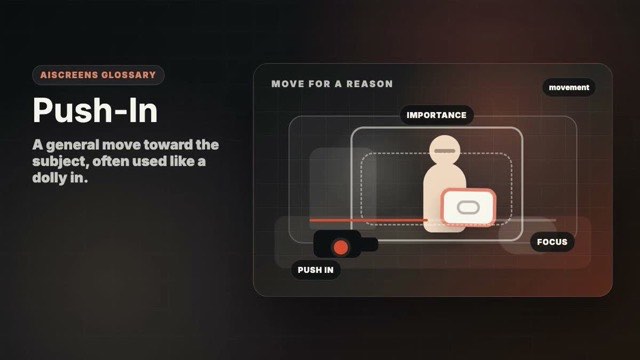
Movement Beginner Core Visual Grammar
A general move toward the subject, often used like a dolly in.
Motion example
Watch the term in motion, then copy the prompt below.
cinematic push-in toward [subject], slow smooth approach, emotional focus, [duration]
Why it matters
It increases attention and emotional pressure.
Try this
Move forward slowly and let the subject grow in importance.
⚠ Common mistakes
- Move is too fast
- Focus drifts during the push
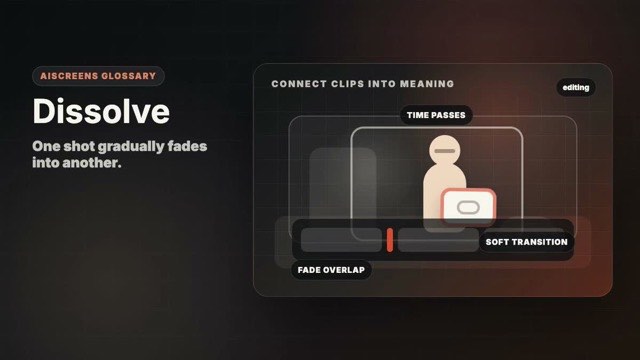
Editing Beginner Coverage and Edit Logic
One shot gradually fades into another.
Motion example
Watch the term in motion, then copy the prompt below.
soft dissolve transition for [subject], one shot blends into another, cinematic mood, [duration]
Why it matters
It suggests time passing, memory, softness, or comparison.
Try this
Use dissolves when the two images have a meaningful relationship.
⚠ Common mistakes
- Using dissolve as decoration
- Transition feels slow
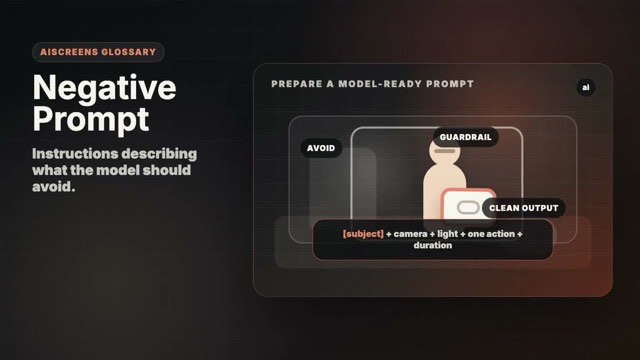
AI Workflow Intermediate AI-Native Workflow
Instructions describing what the model should avoid.
Motion example
Watch the term in motion, then copy the prompt below.
cinematic [subject], clear positive prompt, avoid extra limbs, text, logos, flicker, [duration]
Why it matters
It can reduce unwanted artifacts in workflows that support it.
Try this
Prefer positive shot direction first; use negatives only for recurring problems.
⚠ Common mistakes
- Negative list is longer than the prompt
- Using provider-unsupported controls
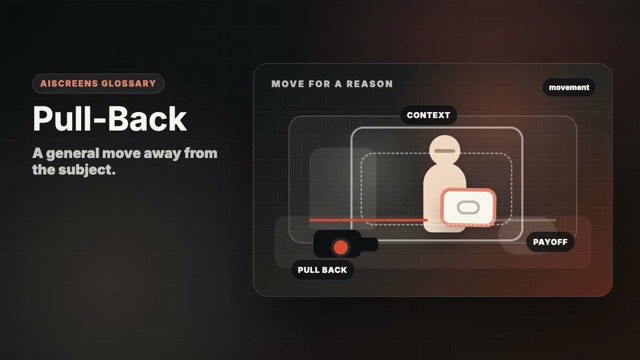
Movement Beginner Core Visual Grammar
A general move away from the subject.
Motion example
Watch the term in motion, then copy the prompt below.
cinematic pull-back from [subject], environment revealed, smooth camera movement, [duration]
Why it matters
It reveals surrounding context or creates emotional distance.
Try this
Start with a meaningful close frame and reveal something new as you retreat.
⚠ Common mistakes
- Reveal lacks purpose
- Move becomes shaky or too slow
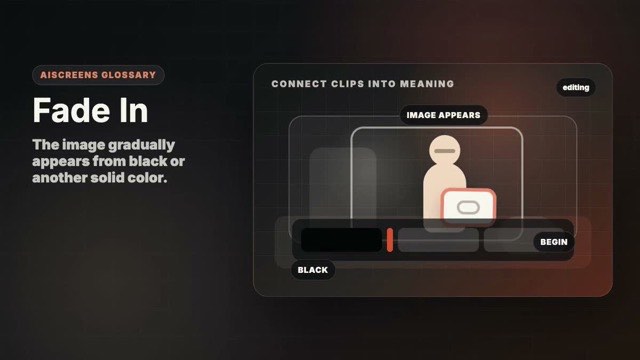
Editing Beginner Coverage and Edit Logic
The image gradually appears from black or another solid color.
Motion example
Watch the term in motion, then copy the prompt below.
cinematic fade in to [subject], image slowly appears from black, [duration]
Why it matters
It creates a gentle beginning or sense of arrival.
Try this
Leave a clean first moment so the fade has something calm to reveal.
⚠ Common mistakes
- Fade is too long
- Opening frame is weak
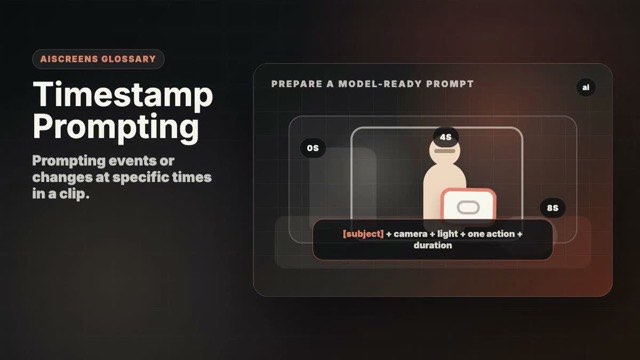
AI Workflow Advanced AI-Native Workflow
Prompting events or changes at specific times in a clip.
Motion example
Watch the term in motion, then copy the prompt below.
timestamped prompt for [subject], 0s settle, 1s action begins, final second hold, [duration]
Why it matters
It makes short clips easier to direct and review.
Try this
Keep timing simple: settle, action, hold.
⚠ Common mistakes
- Too many timed events
- Timing conflicts with model behavior
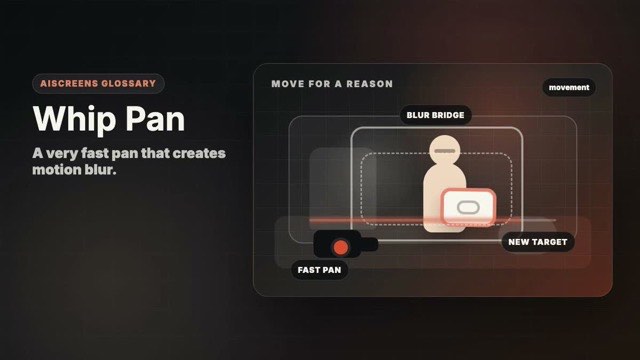
Movement Intermediate Core Visual Grammar
A very fast pan that creates motion blur.
Motion example
Watch the term in motion, then copy the prompt below.
cinematic whip pan transition around [subject], fast motion blur, energetic cut, [duration]
Why it matters
It adds energy and can hide a transition between shots.
Try this
Start and end on clear frames so the blur feels intentional.
⚠ Common mistakes
- No readable start or end
- Motion blur becomes visual noise
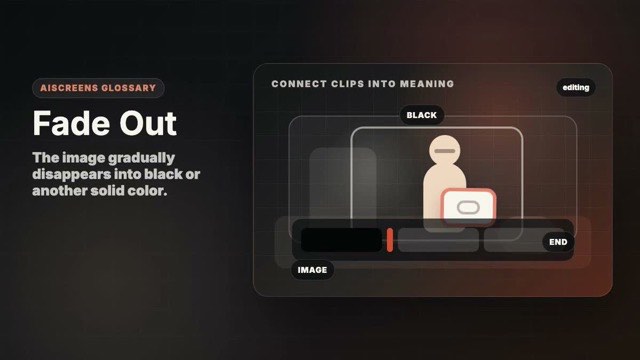
Editing Beginner Coverage and Edit Logic
The image gradually disappears into black or another solid color.
Motion example
Watch the term in motion, then copy the prompt below.
cinematic fade out from [subject], image gently disappears to black, [duration]
Why it matters
It gives closure, pause, or a gentle ending.
Try this
Hold the final image long enough for the fade to feel earned.
⚠ Common mistakes
- Fade hides an awkward ending
- Too many fades in one sequence
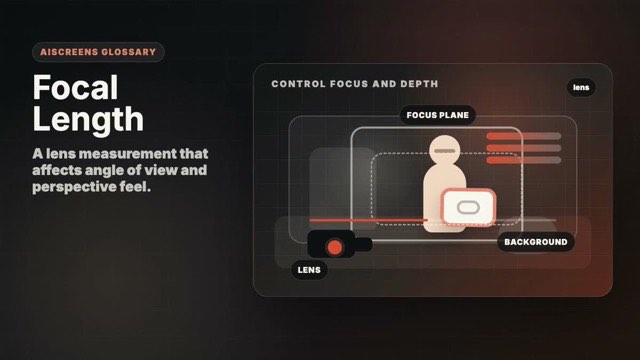
Lens / Optics Intermediate Advanced Look
A lens measurement that affects angle of view and perspective feel.
Motion example
Watch the term in motion, then copy the prompt below.
cinematic [subject], intentional focal length, natural perspective and subject separation, [duration]
Why it matters
It changes how close, compressed, wide, or intimate the image feels.
Try this
Use wider focal lengths for space and longer focal lengths for compression.
⚠ Common mistakes
- Choosing lens by habit
- Ignoring distortion or compression
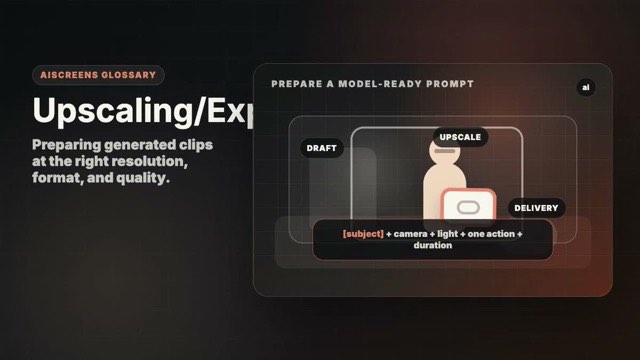
AI Workflow Beginner AI-Native Workflow
Preparing generated clips at the right resolution, format, and quality.
Motion example
Watch the term in motion, then copy the prompt below.
export-ready cinematic [subject], clean detail, platform-safe aspect ratio, [duration]
Why it matters
Good export choices protect final quality and platform fit.
Try this
Track source resolution, aspect ratio, frame rate, and compression settings.
⚠ Common mistakes
- Wrong aspect ratio
- Over-compressed final clip
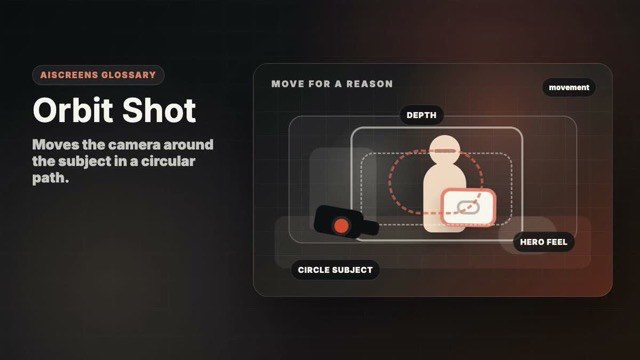
Movement Intermediate Core Visual Grammar
Moves the camera around the subject in a circular path.
Motion example
Watch the term in motion, then copy the prompt below.
cinematic orbit shot around [subject], smooth circular camera move, shallow depth of field, [duration]
Why it matters
It shows form, space, and a premium sense of reveal.
Try this
Keep the subject centered and move in a smooth arc.
⚠ Common mistakes
- Subject drifts off center
- Orbit is too complex for AI model
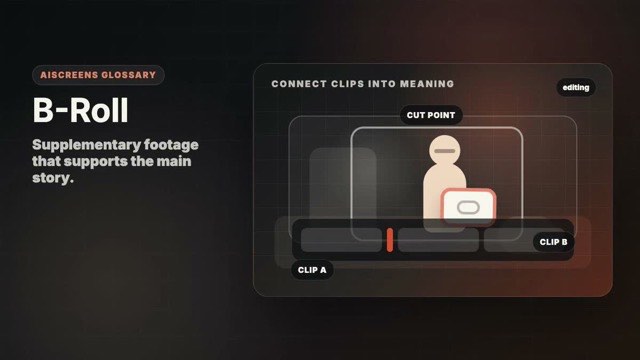
Editing Beginner Coverage and Edit Logic
Supplementary footage that supports the main story.
Motion example
Watch the term in motion, then copy the prompt below.
cinematic B-roll of [subject], supporting detail shots, natural light, [duration]
Why it matters
It adds texture, context, and flexibility in the edit.
Try this
Capture details, hands, environment, movement, and reactions around the main action.
⚠ Common mistakes
- B-roll is unrelated
- Only shooting one type of detail
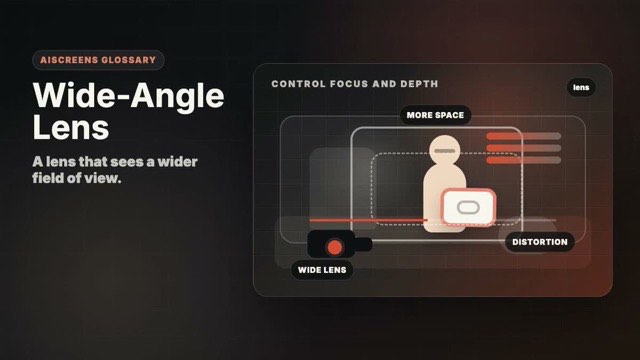
Lens / Optics Intermediate Advanced Look
A lens that sees a wider field of view.
Motion example
Watch the term in motion, then copy the prompt below.
cinematic wide-angle lens shot of [subject], spacious perspective, dynamic foreground, [duration]
Why it matters
It exaggerates space, movement, and foreground-background distance.
Try this
Keep faces away from the frame edges to avoid unwanted distortion.
⚠ Common mistakes
- Faces distort at edges
- Too much empty space

AI Workflow Intermediate AI-Native Workflow
Records describing where an asset came from and how it was made.
Motion example
Watch the term in motion, then copy the prompt below.
provenance-ready [subject], metadata captured for prompt, model, provider, source assets, [duration]
Why it matters
It supports trust, rights review, and repeatable generation.
Try this
Save prompt, model, provider, date, source assets, and rights notes.
⚠ Common mistakes
- No prompt history
- Rights information missing
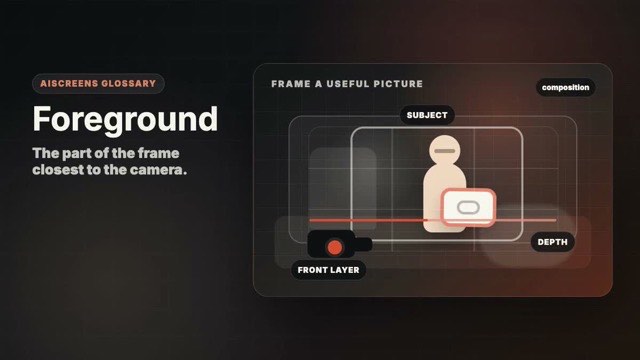
Composition Beginner Core Visual Grammar
The part of the frame closest to the camera.
Motion example
Watch the term in motion, then copy the prompt below.
cinematic [subject] with soft foreground layer, depth and natural framing, [duration]
Why it matters
Foreground adds depth, context, and visual layers.
Try this
Place a soft object or edge near the lens only if it supports the subject.
⚠ Common mistakes
- Foreground blocks the subject
- Layer feels random
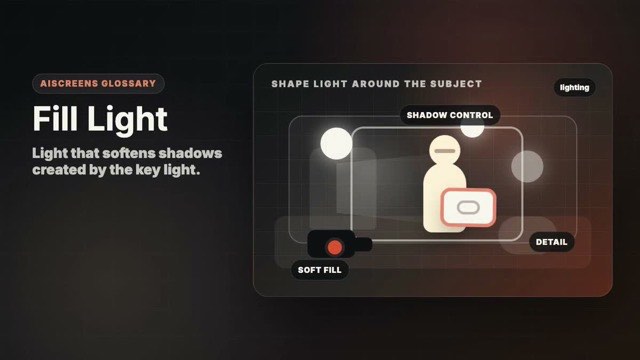
Lighting Intermediate Coverage and Edit Logic
Light that softens shadows created by the key light.
Motion example
Watch the term in motion, then copy the prompt below.
cinematic [subject] with soft key light and gentle fill light, balanced shadows, [duration]
Why it matters
It controls contrast while preserving shape.
Try this
Use a dim light, bounce card, or nearby wall to lift shadows gently.
⚠ Common mistakes
- Fill removes all shadow
- Fill comes from an unnatural direction
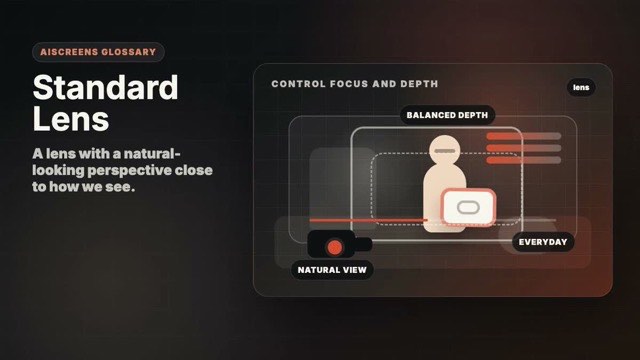
Lens / Optics Intermediate Advanced Look
A lens with a natural-looking perspective close to how we see.
Motion example
Watch the term in motion, then copy the prompt below.
cinematic standard lens shot of [subject], natural perspective, balanced framing, [duration]
Why it matters
It creates familiar, balanced images without obvious distortion.
Try this
Use a normal focal length when you want the lens choice to disappear.
⚠ Common mistakes
- Frame feels ordinary without composition
- No subject separation

AI Workflow Beginner AI-Native Workflow
A visible or invisible marker identifying content source or ownership.
Motion example
Watch the term in motion, then copy the prompt below.
watermark-aware [subject], clean composition with provenance and attribution preserved, [duration]
Why it matters
It can support attribution, disclosure, or platform policy.
Try this
Keep visible marks tasteful and do not remove marks you are required to keep.
⚠ Common mistakes
- Cropping required disclosure
- Adding distracting visible marks
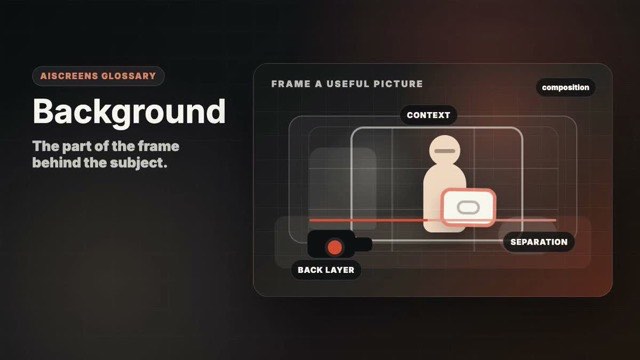
Composition Beginner Core Visual Grammar
The part of the frame behind the subject.
Motion example
Watch the term in motion, then copy the prompt below.
cinematic [subject] with clean background, subject separation, soft light, [duration]
Why it matters
Background shapes mood, context, and subject separation.
Try this
Simplify the background or use distance and blur to reduce distraction.
⚠ Common mistakes
- Background competes with subject
- Unwanted objects draw attention
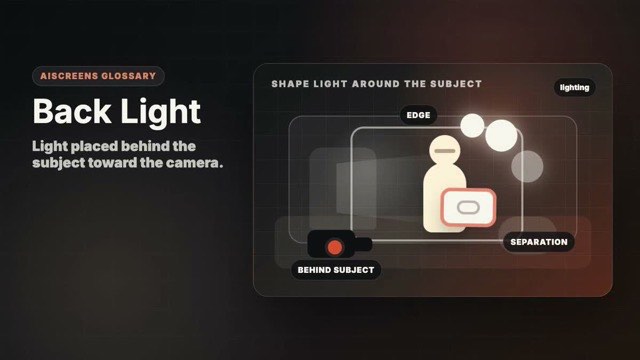
Lighting Beginner Coverage and Edit Logic
Light placed behind the subject toward the camera.
Motion example
Watch the term in motion, then copy the prompt below.
cinematic [subject] with soft back light, glowing edge separation, moody background, [duration]
Why it matters
It separates the subject from the background and adds depth.
Try this
Place the light behind or to the rear side and avoid flare unless desired.
⚠ Common mistakes
- Back light flares too much
- Subject face becomes unreadable
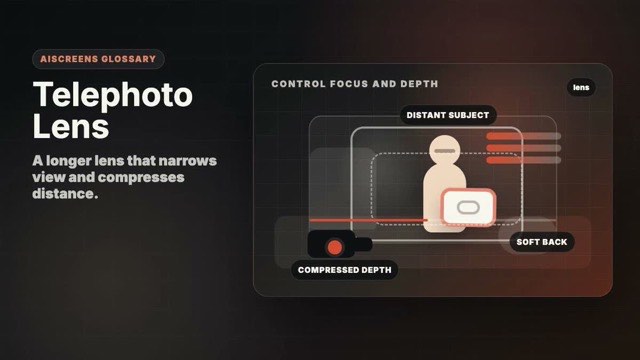
Lens / Optics Intermediate Advanced Look
A longer lens that narrows view and compresses distance.
Motion example
Watch the term in motion, then copy the prompt below.
cinematic telephoto lens shot of [subject], compressed background, soft separation, [duration]
Why it matters
It isolates subjects and makes backgrounds feel closer.
Try this
Step back and use the longer view to simplify the background.
⚠ Common mistakes
- Camera shake increases
- Background compression feels accidental

AI Workflow Advanced AI-Native Workflow
An open standard for content provenance and authenticity metadata.
Motion example
Watch the term in motion, then copy the prompt below.
C2PA-ready cinematic [subject], provenance metadata preserved, rights-safe generation, [duration]
Why it matters
It helps viewers and platforms understand how media was created.
Try this
Store C2PA data when providers return it and preserve it during export when possible.
⚠ Common mistakes
- Metadata stripped during export
- Confusing provenance with copyright ownership
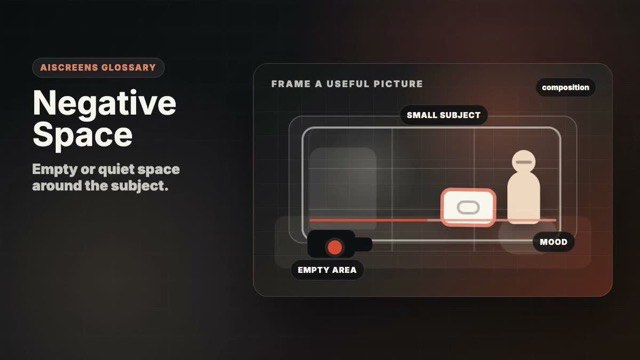
Composition Beginner Core Visual Grammar
Empty or quiet space around the subject.
Motion example
Watch the term in motion, then copy the prompt below.
cinematic [subject] with strong negative space, minimal background, soft light, [duration]
Why it matters
It creates focus, calm, tension, or room for text.
Try this
Give the subject breathing room and keep the empty area visually clean.
⚠ Common mistakes
- Empty space feels accidental
- Subject becomes too small
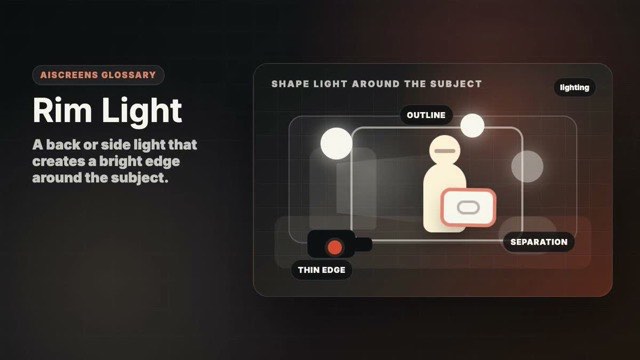
Lighting Intermediate Coverage and Edit Logic
A back or side light that creates a bright edge around the subject.
Motion example
Watch the term in motion, then copy the prompt below.
cinematic [subject] with subtle rim light, bright edge separation, dark background, [duration]
Why it matters
It makes the subject pop from a dark or busy background.
Try this
Aim a small light at the subject's edge and keep it off the lens.
⚠ Common mistakes
- Rim is too bright
- Light spills onto the background
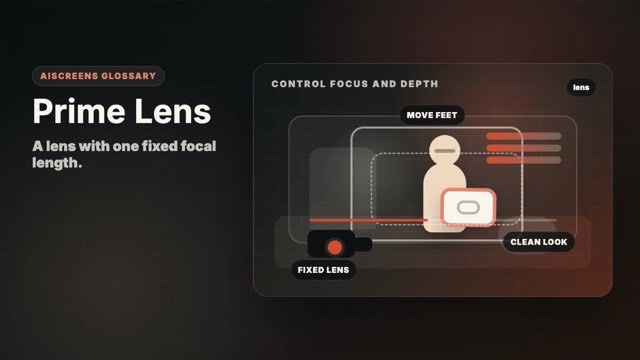
Lens / Optics Intermediate Advanced Look
A lens with one fixed focal length.
Motion example
Watch the term in motion, then copy the prompt below.
cinematic prime lens shot of [subject], intentional framing, shallow depth of field, [duration]
Why it matters
It encourages intentional camera placement and often offers strong image quality.
Try this
Move your body instead of zooming and choose the frame deliberately.
⚠ Common mistakes
- Standing in the wrong place
- Expecting lens choice to fix composition
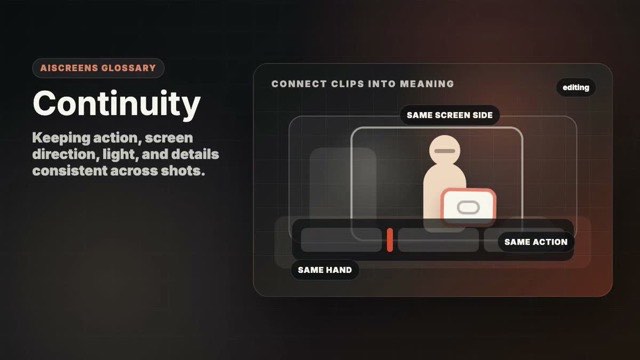
Editing Intermediate Core Visual Grammar
Keeping action, screen direction, light, and details consistent across shots.
Motion example
Watch the term in motion, then copy the prompt below.
continuity-safe cinematic shot of [subject], matching lighting, direction, and action, [duration]
Why it matters
Continuity helps cuts feel invisible and story flow feel natural.
Try this
Track props, direction, and action positions before changing angle.
⚠ Common mistakes
- Props jump between shots
- Lighting or direction changes without reason
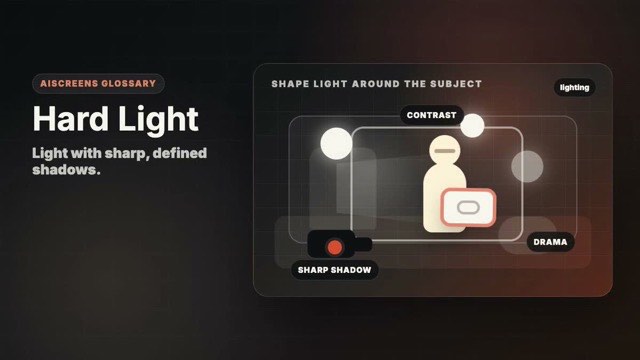
Lighting Intermediate Coverage and Edit Logic
Light with sharp, defined shadows.
Motion example
Watch the term in motion, then copy the prompt below.
cinematic [subject] in hard light, sharp shadows, high contrast, [duration]
Why it matters
It creates drama, texture, contrast, and graphic shape.
Try this
Use a small or distant light source and control where the shadows land.
⚠ Common mistakes
- Unflattering face shadows
- Highlights clip without intention
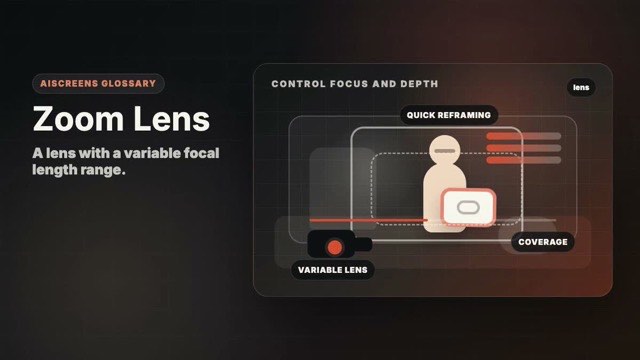
Lens / Optics Intermediate Advanced Look
A lens with a variable focal length range.
Motion example
Watch the term in motion, then copy the prompt below.
cinematic zoom lens shot of [subject], flexible framing, controlled focal length, [duration]
Why it matters
It gives framing flexibility without changing lenses.
Try this
Set framing intentionally rather than zooming constantly during a shot.
⚠ Common mistakes
- Overusing zoom movement
- Inconsistent look between shots
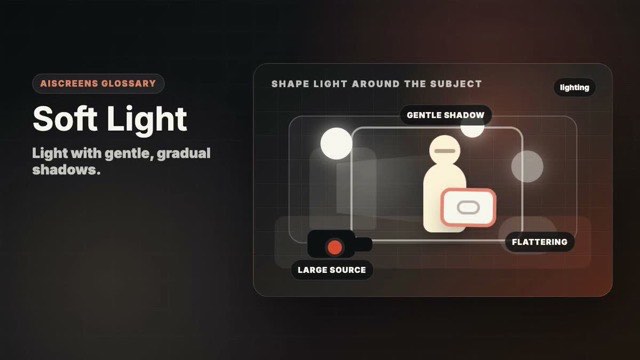
Lighting Beginner Coverage and Edit Logic
Light with gentle, gradual shadows.
Motion example
Watch the term in motion, then copy the prompt below.
cinematic [subject] in soft light, gentle shadows, warm natural mood, [duration]
Why it matters
It flatters faces and gives a calm premium feel.
Try this
Use window light, diffusion, bounce, or a large light source.
⚠ Common mistakes
- Light becomes flat
- No direction or shape
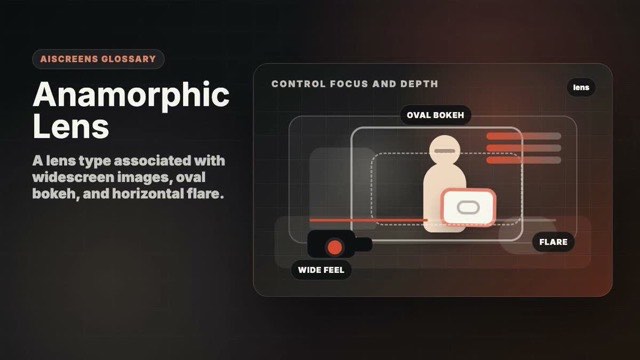
Lens / Optics Advanced Advanced Look
A lens type associated with widescreen images, oval bokeh, and horizontal flare.
Motion example
Watch the term in motion, then copy the prompt below.
cinematic anamorphic lens shot of [subject], widescreen frame, subtle horizontal flare, [duration]
Why it matters
It creates a stylized cinematic texture and wide frame feel.
Try this
Use the look for mood and protect faces from edge distortion.
⚠ Common mistakes
- Adding flares everywhere
- Look overwhelms the subject
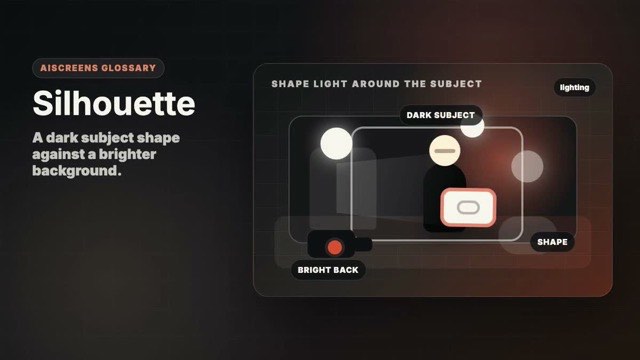
Lighting Intermediate Coverage and Edit Logic
A dark subject shape against a brighter background.
Motion example
Watch the term in motion, then copy the prompt below.
cinematic silhouette of [subject], bright background, clear dark shape, [duration]
Why it matters
It creates mystery, graphic clarity, and emotional distance.
Try this
Expose for the bright background and keep the subject shape readable.
⚠ Common mistakes
- Shape is unreadable
- Face detail expected but hidden
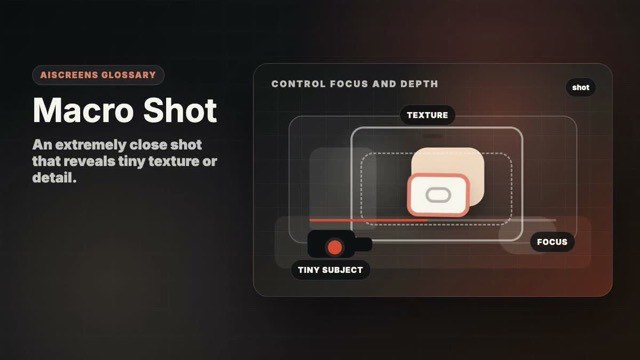
Lens / Optics Intermediate Advanced Look
An extremely close shot that reveals tiny texture or detail.
Motion example
Watch the term in motion, then copy the prompt below.
cinematic macro shot of [subject], tiny texture detail, shallow depth of field, soft light, [duration]
Why it matters
It makes product, food, and tactile details feel rich.
Try this
Stabilize the camera and use enough light for sharp detail.
⚠ Common mistakes
- Focus is too shallow
- Detail is visually confusing
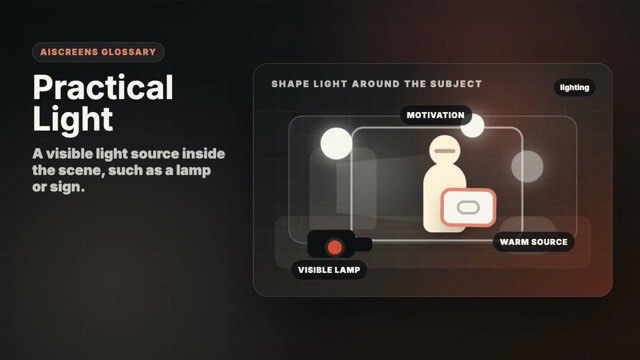
Lighting Intermediate Coverage and Edit Logic
A visible light source inside the scene, such as a lamp or sign.
Motion example
Watch the term in motion, then copy the prompt below.
cinematic [subject] lit by practical lights, visible lamps, warm believable mood, [duration]
Why it matters
It motivates the lighting and makes the scene feel believable.
Try this
Place visible lamps where they justify the direction and color of light.
⚠ Common mistakes
- Practical is too bright
- Light source does not match the scene
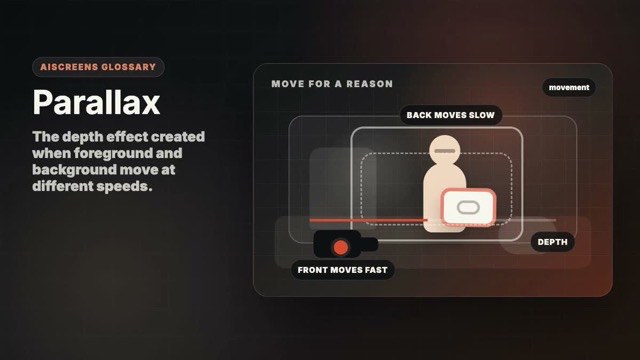
Movement Intermediate Advanced Look
The depth effect created when foreground and background move at different speeds.
Motion example
Watch the term in motion, then copy the prompt below.
cinematic [subject] with foreground parallax, smooth camera movement, layered depth, [duration]
Why it matters
It makes camera movement feel dimensional and premium.
Try this
Place something close to the lens and move sideways or forward smoothly.
⚠ Common mistakes
- No foreground layer
- Movement too fast for depth to read
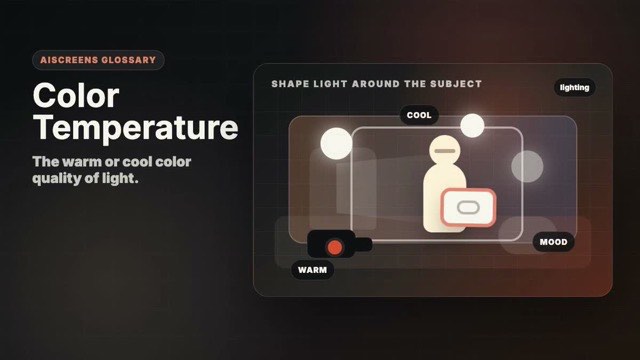
Lighting Intermediate Coverage and Edit Logic
The warm or cool color quality of light.
Motion example
Watch the term in motion, then copy the prompt below.
cinematic [subject], warm color temperature, consistent natural lighting, [duration]
Why it matters
It affects mood and whether mixed light feels natural or messy.
Try this
Match your camera white balance to the main light or choose a deliberate contrast.
⚠ Common mistakes
- Mixed color casts look accidental
- Skin tones shift between shots
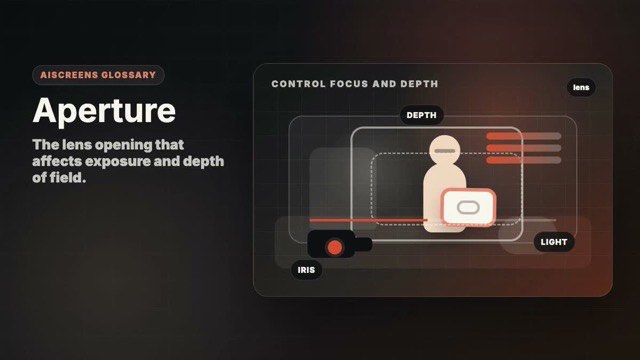
Lens / Optics Intermediate Advanced Look
The lens opening that affects exposure and depth of field.
Motion example
Watch the term in motion, then copy the prompt below.
cinematic [subject], wide aperture, shallow depth of field, soft natural light, [duration]
Why it matters
It controls how much is sharp and how much light enters.
Try this
Open aperture for blur and light; close it for sharper depth.
⚠ Common mistakes
- Too shallow to keep subject sharp
- Using aperture only for brightness
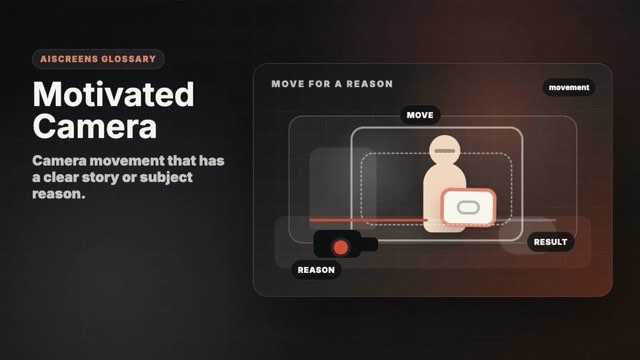
Movement Intermediate Coverage and Edit Logic
Camera movement that has a clear story or subject reason.
Motion example
Watch the term in motion, then copy the prompt below.
motivated cinematic camera move for [subject], motion follows story attention, [duration]
Why it matters
It keeps motion from feeling decorative or confusing.
Try this
Move because the subject moves, attention changes, or the story reveals something.
⚠ Common mistakes
- Camera moves for no reason
- Motion competes with action
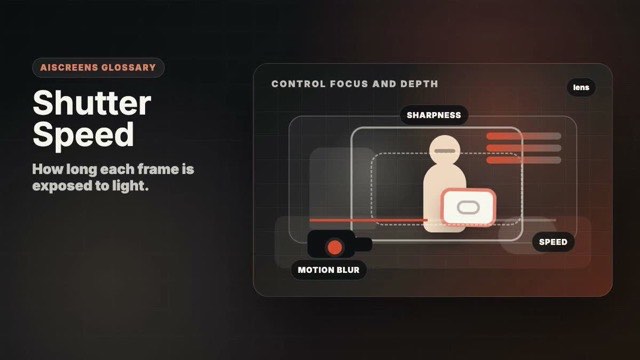
Lens / Optics Intermediate Advanced Look
How long each frame is exposed to light.
Motion example
Watch the term in motion, then copy the prompt below.
cinematic [subject], natural motion blur, controlled shutter speed look, [duration]
Why it matters
It affects brightness and motion blur.
Try this
Use faster shutter for crisp motion and slower shutter for blur.
⚠ Common mistakes
- Motion looks jittery
- Blur hides important action
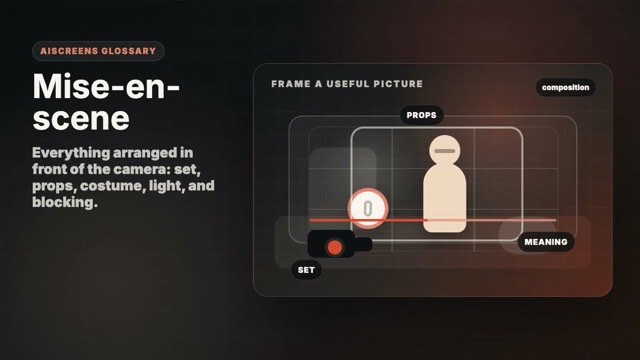
Composition Intermediate Coverage and Edit Logic
Everything arranged in front of the camera: set, props, costume, light, and blocking.
Motion example
Watch the term in motion, then copy the prompt below.
cinematic [subject] with intentional mise-en-scene, meaningful props, cohesive lighting, [duration]
Why it matters
It lets the environment tell story before anyone speaks.
Try this
Choose only props, colors, and background details that support the story.
⚠ Common mistakes
- Set dressing is random
- Too many props compete
Lens / Optics Advanced Advanced Look
A cinema-style way to describe shutter exposure relative to frame rate.
Motion example
Watch the term in motion, then copy the prompt below.
cinematic [subject], natural 180-degree shutter angle motion blur, [duration]
Why it matters
It helps create natural cinematic motion blur.
Try this
Use a 180-degree shutter angle as a natural starting point.
⚠ Common mistakes
- Motion blur feels unnatural
- Confusing shutter angle with camera angle
Editing Intermediate Coverage and Edit Logic
Clean background sound recorded separately from the main action.
Motion example
Watch the term in motion, then copy the prompt below.
cinematic [subject] with consistent ambient sound bed, clean natural atmosphere, [duration]
Why it matters
It smooths edits and makes scenes feel continuous.
Try this
Record 30 seconds of room tone or location sound after the take.
⚠ Common mistakes
- No room tone recorded
- Background sound jumps between cuts
Lens / Optics Intermediate Advanced Look
Camera sensitivity setting that affects brightness and noise.
Motion example
Watch the term in motion, then copy the prompt below.
cinematic [subject], clean low-noise exposure, natural low light, [duration]
Why it matters
It helps expose low light scenes but can add grain or noise.
Try this
Keep ISO as low as practical and add light when image quality matters.
⚠ Common mistakes
- Noise becomes distracting
- Underexposure fixed too late
Lens / Optics Intermediate Advanced Look
The number of frames captured or played each second.
Motion example
Watch the term in motion, then copy the prompt below.
cinematic [subject], natural frame rate motion, smooth playback, [duration]
Why it matters
It changes motion feel and enables slow motion.
Try this
Shoot higher frame rates only when you plan to slow the footage down.
⚠ Common mistakes
- Slow-motion footage lacks light
- Motion cadence feels wrong
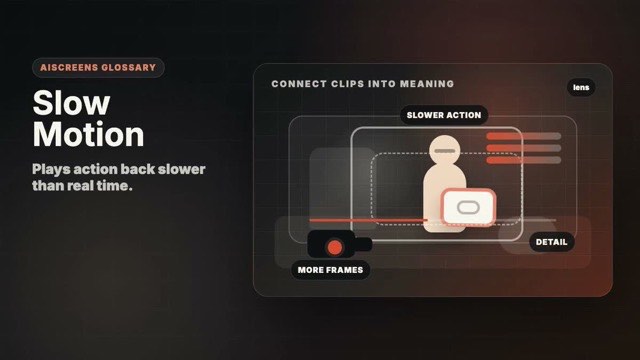
Editing Intermediate Advanced Look
Plays action back slower than real time.
Motion example
Watch the term in motion, then copy the prompt below.
cinematic slow motion shot of [subject], graceful movement, soft light, [duration]
Why it matters
It emphasizes beauty, impact, emotion, or detail.
Try this
Shoot at a higher frame rate and choose action that benefits from detail.
⚠ Common mistakes
- Using slow motion on boring action
- Footage becomes too dark
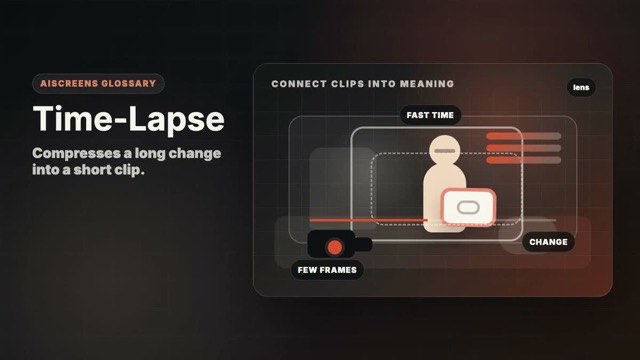
Editing Intermediate Advanced Look
Compresses a long change into a short clip.
Motion example
Watch the term in motion, then copy the prompt below.
cinematic time-lapse of [subject], long change compressed into a short clip, [duration]
Why it matters
It shows progress, movement, or time passing quickly.
Try this
Lock the camera and keep exposure stable during the whole capture.
⚠ Common mistakes
- Camera moves accidentally
- Change is too subtle
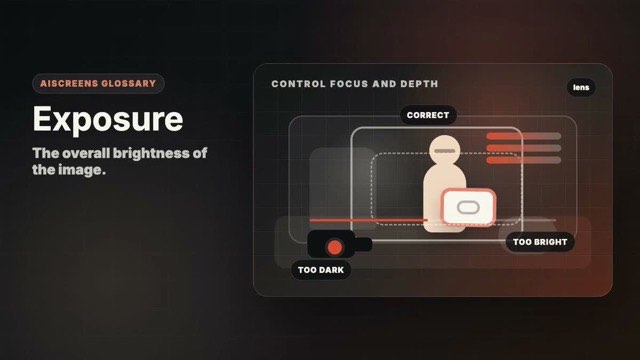
Lens / Optics Beginner Advanced Look
The overall brightness of the image.
Motion example
Watch the term in motion, then copy the prompt below.
cinematic [subject], balanced exposure, readable highlights and shadows, [duration]
Why it matters
Good exposure preserves important detail and mood.
Try this
Protect important highlights and make sure the subject is readable.
⚠ Common mistakes
- Highlights clip
- Subject is underexposed
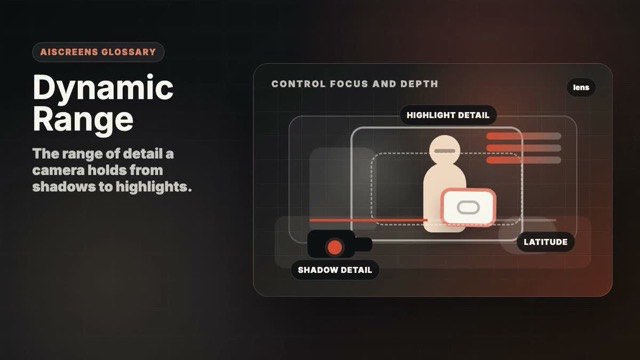
Lens / Optics Advanced Advanced Look
The range of detail a camera holds from shadows to highlights.
Motion example
Watch the term in motion, then copy the prompt below.
cinematic [subject], high dynamic range look, detailed highlights and shadows, [duration]
Why it matters
It affects whether bright skies and dark faces can both retain detail.
Try this
Expose carefully and avoid forcing one camera to hold impossible contrast.
⚠ Common mistakes
- Sky blows out
- Shadows become noisy
Lens / Optics Intermediate Advanced Look
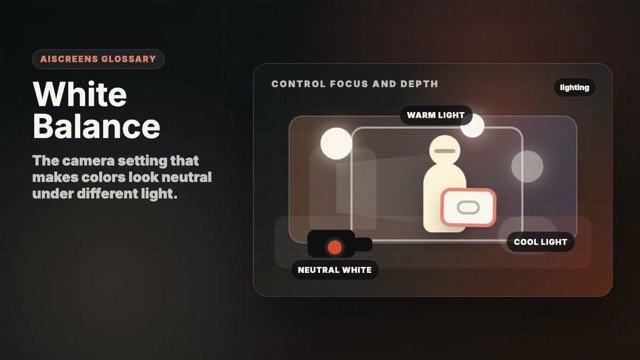
The camera setting that makes colors look neutral under different light.
Motion example
Watch the term in motion, then copy the prompt below.
cinematic [subject], accurate white balance, natural skin tones and clean color, [duration]
Why it matters
It keeps skin, whites, and product colors from drifting.
Try this
Set white balance for the main light instead of leaving every shot to auto.
⚠ Common mistakes
- Auto white balance shifts mid-shot
- Skin turns too orange or blue
Lighting Intermediate Advanced Look
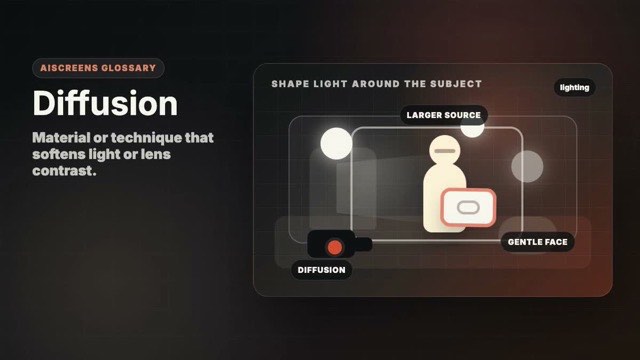
Material or technique that softens light or lens contrast.
Motion example
Watch the term in motion, then copy the prompt below.
cinematic [subject] with soft diffusion, gentle highlights, warm editorial look, [duration]
Why it matters
It creates gentler skin, softer highlights, and a more polished mood.
Try this
Place diffusion between the light and subject, or use a lens diffusion filter carefully.
⚠ Common mistakes
- Image becomes hazy
- Diffusion hides important texture
Lighting Beginner Advanced Look
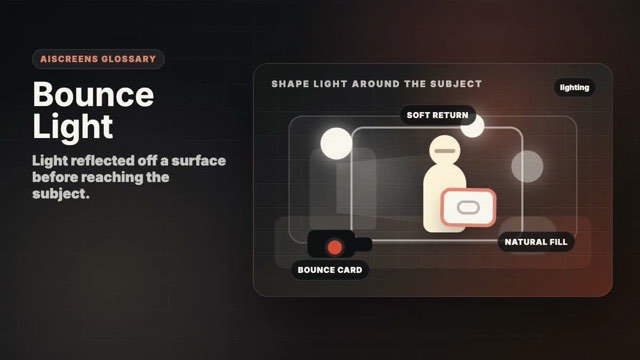
Light reflected off a surface before reaching the subject.
Motion example
Watch the term in motion, then copy the prompt below.
cinematic [subject] with soft bounce light, natural fill, warm shadows, [duration]
Why it matters
It creates soft, inexpensive, natural-looking fill.
Try this
Use a white wall, foam board, or reflector to lift shadows.
⚠ Common mistakes
- Bounce surface adds color cast
- Fill becomes too bright
Lighting Intermediate Advanced Look
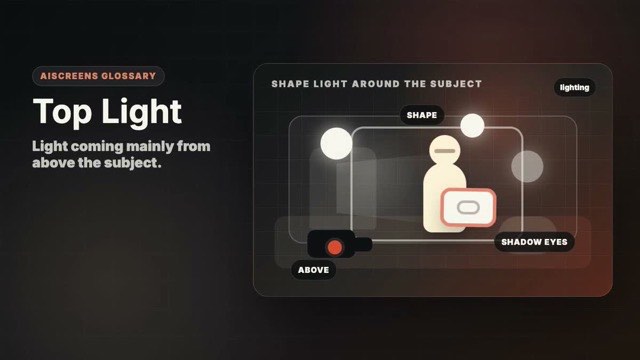
Light coming mainly from above the subject.
Motion example
Watch the term in motion, then copy the prompt below.
cinematic top light on [subject], overhead illumination, clear surface detail, [duration]
Why it matters
It can create graphic surfaces, desk clarity, or dramatic overhead mood.
Try this
Use top light for surfaces and hands, but watch for harsh eye shadows on faces.
⚠ Common mistakes
- Unflattering eye shadows
- Light feels like an office ceiling
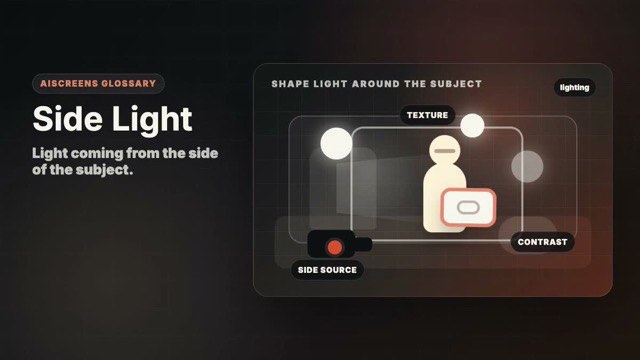
Lighting Intermediate Advanced Look
Light coming from the side of the subject.
Motion example
Watch the term in motion, then copy the prompt below.
cinematic side light on [subject], textured shadows, strong shape, [duration]
Why it matters
It reveals shape, texture, and dramatic contrast.
Try this
Place the light around 90 degrees to the subject and adjust fill for contrast.
⚠ Common mistakes
- One side becomes unreadable
- Side light looks accidental
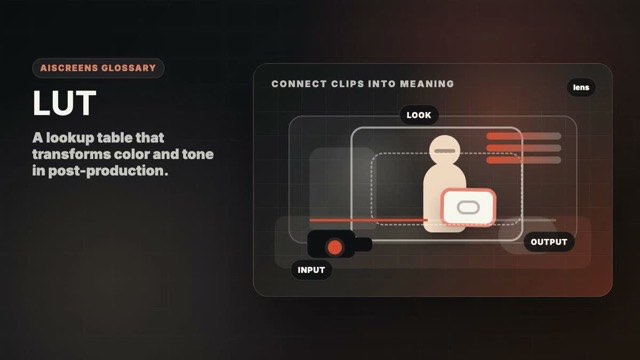
Editing Intermediate Advanced Look
A lookup table that transforms color and tone in post-production.
Motion example
Watch the term in motion, then copy the prompt below.
cinematic [subject], subtle film LUT look, balanced skin tones, [duration]
Why it matters
It can speed up a look, but it does not replace good exposure or grading.
Try this
Use LUTs as a starting point and adjust exposure and white balance first.
⚠ Common mistakes
- LUT crushes shadows
- Same LUT used on mismatched footage
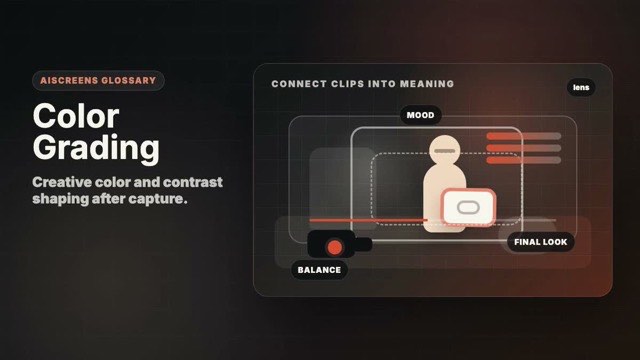
Editing Intermediate Advanced Look
Creative color and contrast shaping after capture.
Motion example
Watch the term in motion, then copy the prompt below.
cinematic [subject], warm natural color grade, balanced contrast, soft highlight roll-off, [duration]
Why it matters
It unifies shots and supports mood.
Try this
Correct exposure and white balance before adding a creative look.
⚠ Common mistakes
- Over-saturating colors
- Ignoring shot matching
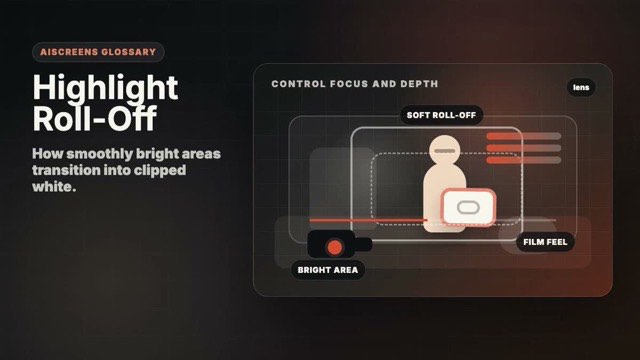
Lens / Optics Advanced Advanced Look
How smoothly bright areas transition into clipped white.
Motion example
Watch the term in motion, then copy the prompt below.
cinematic [subject], soft highlight roll-off, detailed bright areas, warm grade, [duration]
Why it matters
Soft roll-off makes bright light feel more natural and cinematic.
Try this
Protect highlights in-camera and soften bright sources when possible.
⚠ Common mistakes
- Highlights clip harshly
- Glow hides subject detail