Establish the world
Wide shot, warm location, stable camera.
Turn any idea into a shot plan, model-ready prompts, preview logic, and retry fixes before you burn credits in Runway, Pika, Sora, Kling, or Veo.
Built for creators fighting random clips, weak continuity, and expensive re-generations
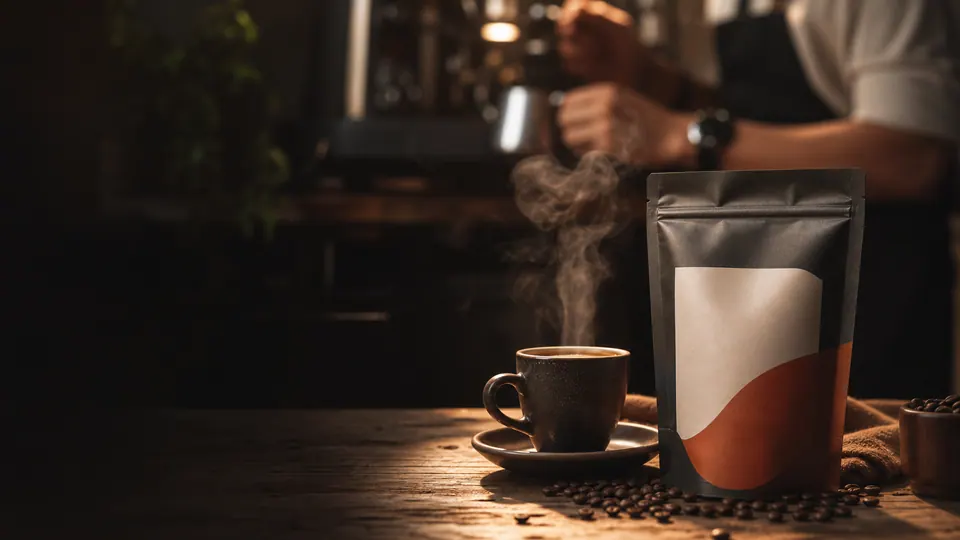
Wide shot, warm location, stable camera.
Close detail, clean light, one clear action.
Human result, simple ending, brand memory.
macro close-up of coffee packaging on a cafe table, warm side light, slow push-in, steam moving softly, clear ending, 5 seconds
A beginner arrives with a rough idea. aiscreens turns that idea into a visual path: what to shoot, what to prompt, what can fail, and what to try next.
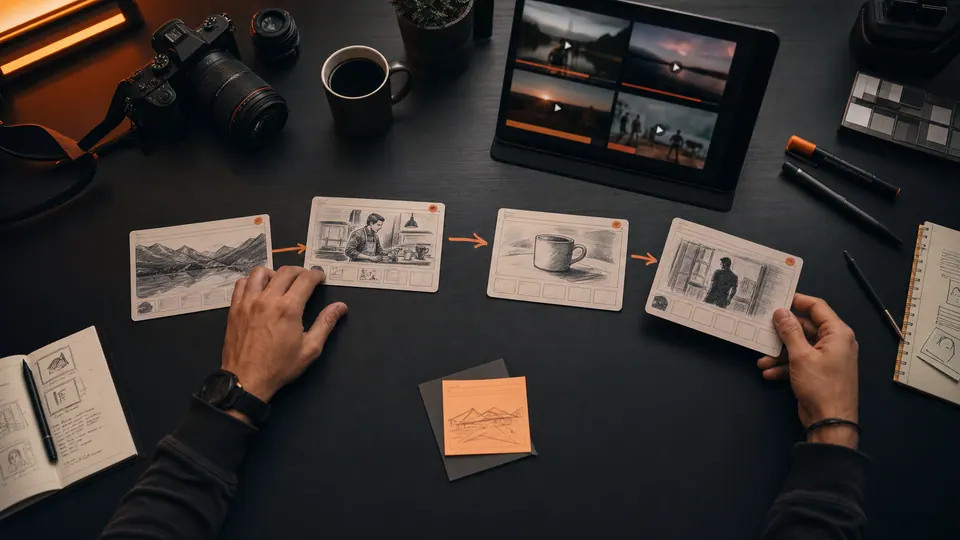
Start with the business goal, not random style words.
The site should teach without feeling like a manual. Each scroll beat shows what the user gets next and why it matters.
Most beginners start with style words and waste credits because the subject, motion, camera, light, and ending are not planned.
Most beginners start with style words and waste credits because the subject, motion, camera, light, and ending are not planned.
See the weak prompt →Glossary cards stay compact first, then expand into prompts, mistakes, related terms, and practical usage only when the user asks.
Browse glossary →Instead of one overloaded prompt, users get a step-by-step director plan with shot purpose and model-specific export guidance.
Open planner →Creator-friendly packs help people make product reels, tutorials, interviews, travel clips, and local business videos faster.
Start with recipes →The free product builds trust. Paid work can start with custom shot plans, prompt packs, storyboard exports, and AI video concepts.
Request a pack →aiscreens should feel like a tiny AI video director: it gives beginners a path before they open a generation model.
Start from the user’s real goal, not a random cinematic adjective stack.
Use one clear camera move, concrete subject, lighting, and temporal direction.
For beginners, the hard part is knowing what is missing. This panel teaches the boring checks that save money: subject, action, camera, light, duration, and ending.
make a cool product video
macro close-up of a matte black smartwatch on a stone table, soft side light, slow push-in, screen glow turns on, clean ending, 5 seconds
Short preview clips make the glossary feel like a visual playground, not a dictionary.
Pick the kind of video you want to make. aiscreens gives you a shot plan, preview examples, and prompts to paste into your AI video tool.
Make a plan from a recipe →Replace vague prompts with shot order, subject, action, camera, light, and duration.
Plan context, action, detail, emotion, and payoff before generating separate clips.
Check the shot idea and copy a tighter prompt before paying for another render.
Choose a video type and get a beginner-friendly director plan with copyable AI prompts.
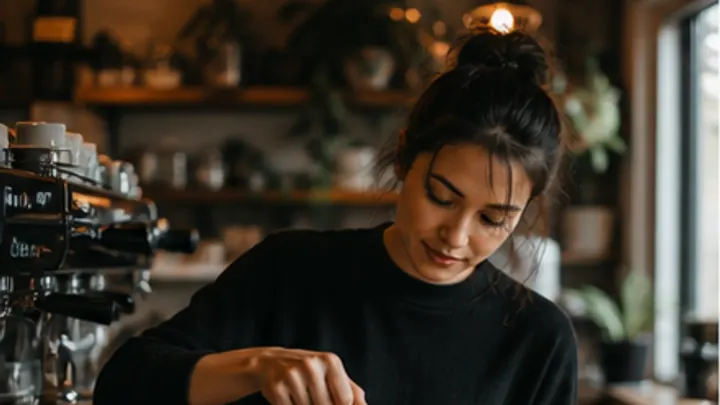
For beginners, the recipe is the fastest path: choose cafe, product, tutorial, travel, interview, or local business before writing a prompt.
Short-form social reel inside a cafe at morning
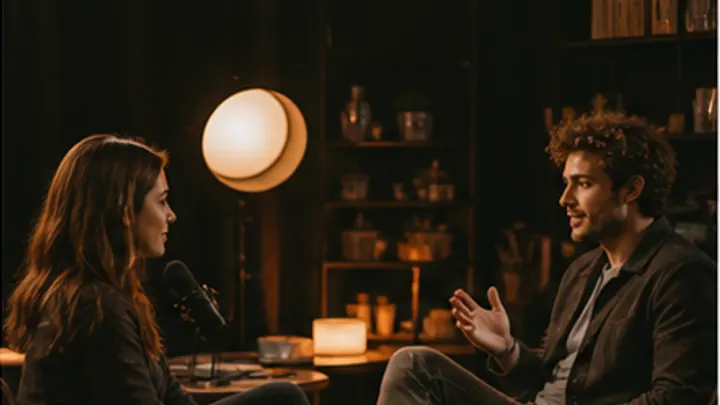
Coverage for a conversation between two characters
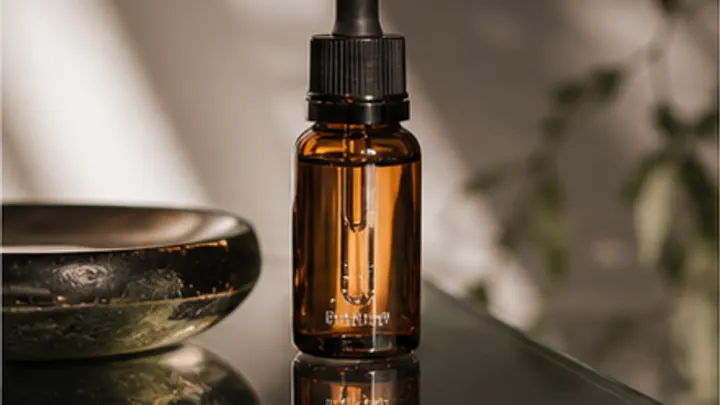
Premium product launch with macro detail and clean light

Cinematic sunrise sequence over a city or coast
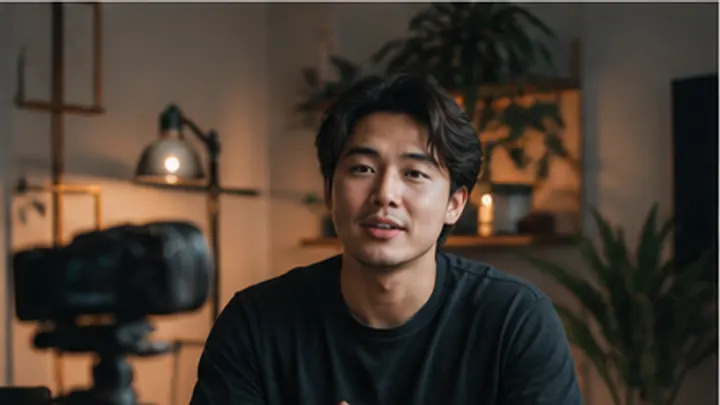
How-to video with a host explaining a process
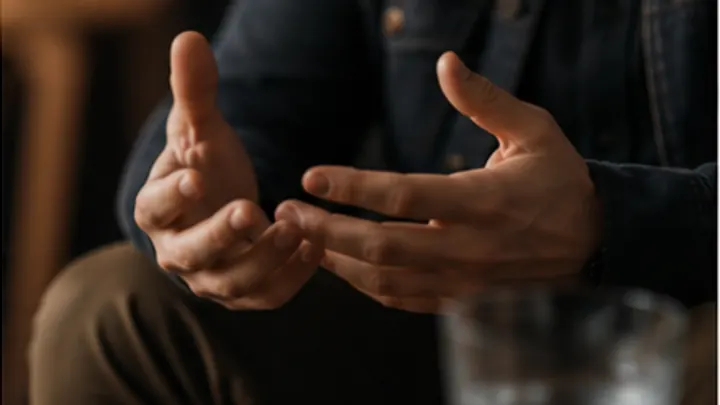
Documentary interview with cutaway coverage
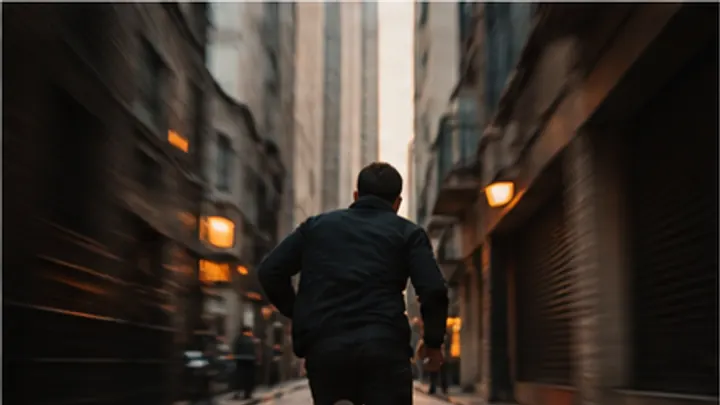
Action chase through a tight urban environment
Aspirational morning routine in natural light
A beginner does not need to know film language first. They need to see how one vague idea becomes shots they can actually generate.
"A cozy coffee shop video"
aiscreens turns it into:cinematic close-up of hot coffee being poured into a ceramic cup, soft morning light, cozy cafe background, shallow depth of field, 5 seconds
From zero to copy-ready prompts in minutes.
Start with a real creator job: product reel, coffee shop video, travel montage, tutorial, or interview.
Browse Recipes →Enter your topic and get a prioritized shot order with what each shot does and why it belongs there.
Open Planner →Choose Generic, Runway, Pika, Sora, or Kling/Veo export and paste the prompt where you generate.
Make the Plan →You do not need to know film words. This path teaches the exact ideas a beginner needs before writing AI video prompts.
Start Beginner PathUnderstand the smallest unit of a video.
2 Wide, Medium, Close-UpLearn how shot size changes what viewers feel.
3 Camera anglesUse height and perspective with purpose.
4 Camera movementAdd motion only when it helps the idea.
5 Basic lightingMake the subject readable before making it stylish.
6 Your first AI promptCombine subject, action, camera, light, and duration.
 01
01 Short visual definitions for shots, lighting, camera movement, and AI prompting terms.
Explore 02
02 Turn a rough idea into a shot order with purpose, failure notes, and model-ready prompts.
Explore 03
03 Build local progress by learning the smallest concepts first, then layering real video grammar.
Explore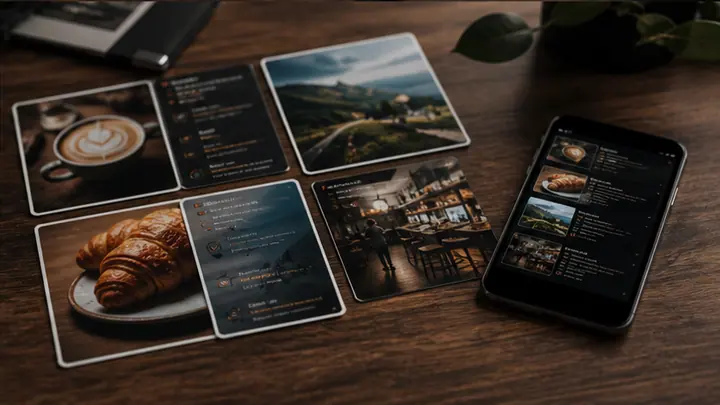 04
04 Start from real creator jobs like product reels, cafe videos, interviews, tutorials, and tours.
ExploreA practical framework for writing AI video prompts that produce cinematic footage — not ge…
The 5-shot sequence is the building block of every compelling video. Learn how it works an…
Learn how the close-up shot creates emotion, tension, and connection — and how to write it…
These paths keep the product practical while aiscreens grows toward paid prompt packs, service work, and repeatable video systems.
Needs lesson hooks, b-roll ideas, and clean explainer sequences without learning film school first.
Turn one lesson topic into a 5-shot teaching plan with intro, visual proof, screen detail, recap, and CTA. Plan a course clip → Ecommerce brandNeeds product videos that do not morph, lose detail, or feel like random cinematic stock footage.
Lock product identity, choose close-up/detail/payoff shots, then export prompts with failure checks. Plan a product reel → Solo creatorNeeds more ideas and better prompts without burning credits on vague experiments.
Start from a recipe, learn the shot terms only when needed, and copy model-ready prompts. Start with recipes → Local businessNeeds simple videos for cafes, salons, gyms, clinics, events, and services without hiring a full crew.
Use practical shot order: location, person, detail, transformation, and final offer. Plan a local video →The site stays useful for beginners, while advanced creators and clients can pay for saved workflows, premium packs, model exports, and done-for-you prompt systems.
Free path Learn + plan Glossary, basic planner, beginner recipes, and starter preview clips.
Start free Creator path Save better prompts Saved projects, premium templates, more preview clips, and prompt variants.
Planned tier Service path Done-for-you pack
 Shot plans, prompt packs, storyboard exports, and client-ready AI video concepts.
Hire aiscreensaiscreens is open source. Contribute terms, improve prompts, fix preview media, or add translations without touching a backend.
Add or improve film terms and prompts
Submit diagrams and preview assets
Build features and fix bugs
Add terms in your language
Apache-2.0 code · CC BY 4.0 educational content